
LinkedIn is where B2B buyers go to think about work, which makes it the most valuable and often the most expensive place to advertise to them. Good creative is how you make that budget work harder.
Most “LinkedIn ad examples” pages are thin lists or screenshots from years ago. This guide goes format by format, with example approaches that work, what makes them land, and the specs to build to. We make LinkedIn ads for tech and B2B brands, so it’s written from the production side.
Key Takeaways
- LinkedIn’s main ad formats are single image, carousel, video, document, thought leader, conversation, text and dynamic ads.
- Single image ads work best with one bold idea and a short headline.
- Carousels tell a step-by-step story or show several products or proof points.
- Document ads let buyers read a guide or report in the feed, and work well for lead gen.
- Thought leader ads promote posts from real people at your company, which builds trust.
Why LinkedIn Ad Creative Matters
LinkedIn ads often cost more per click than other platforms, so creative quality has an outsized effect on results. The feed is professional, but people still scroll fast, so the same rules apply: stop the scroll, make one point, give one action.
LinkedIn Ad Examples by Format
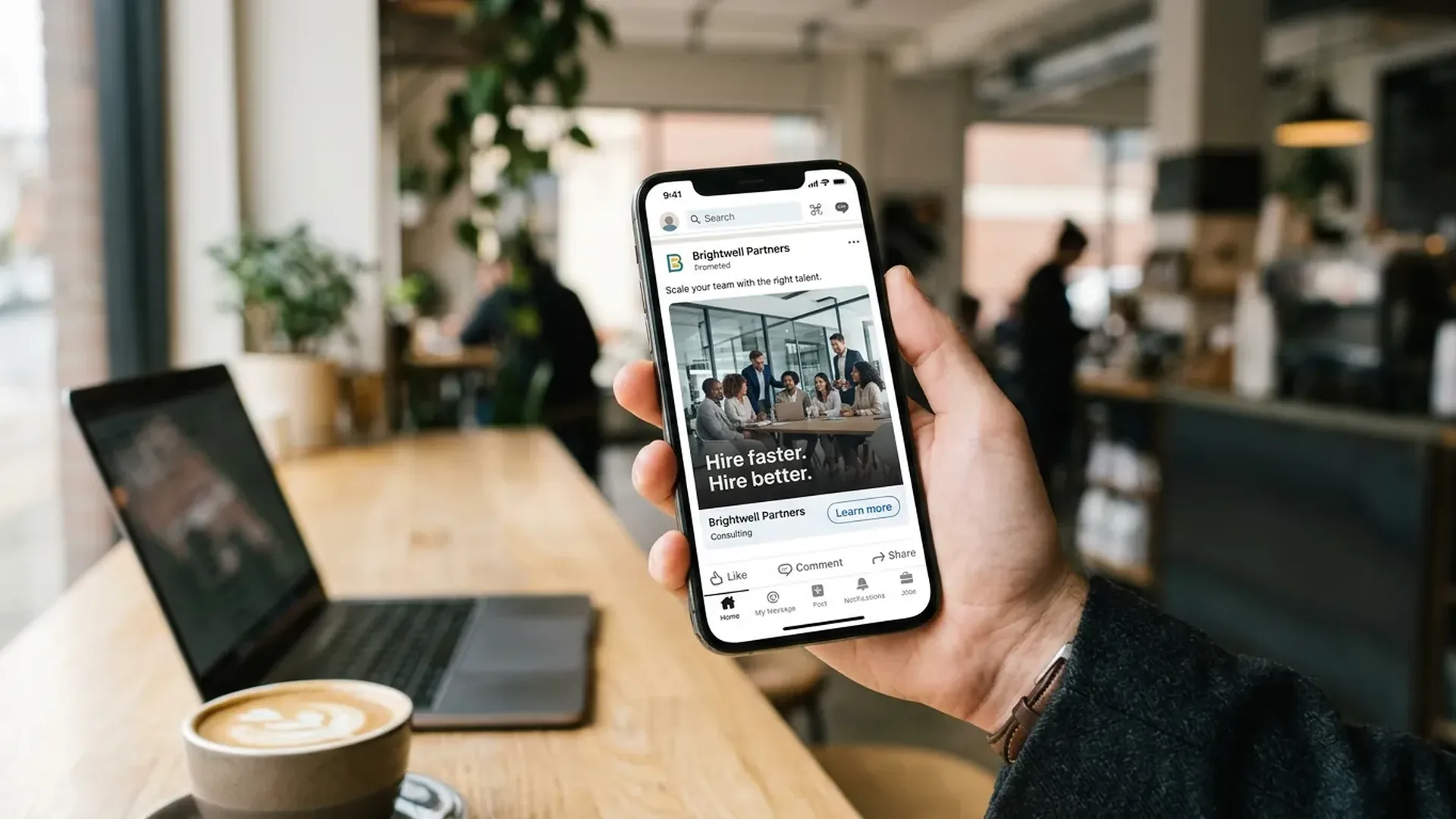
- Single image: a bold stat, a striking product shot or a one-line customer truth, like “Your finance team spends 4 days a month on this”. Works for awareness and traffic.
- Carousel: a step-by-step story, such as “5 signs your ad production is slowing you down”, or one product per card.
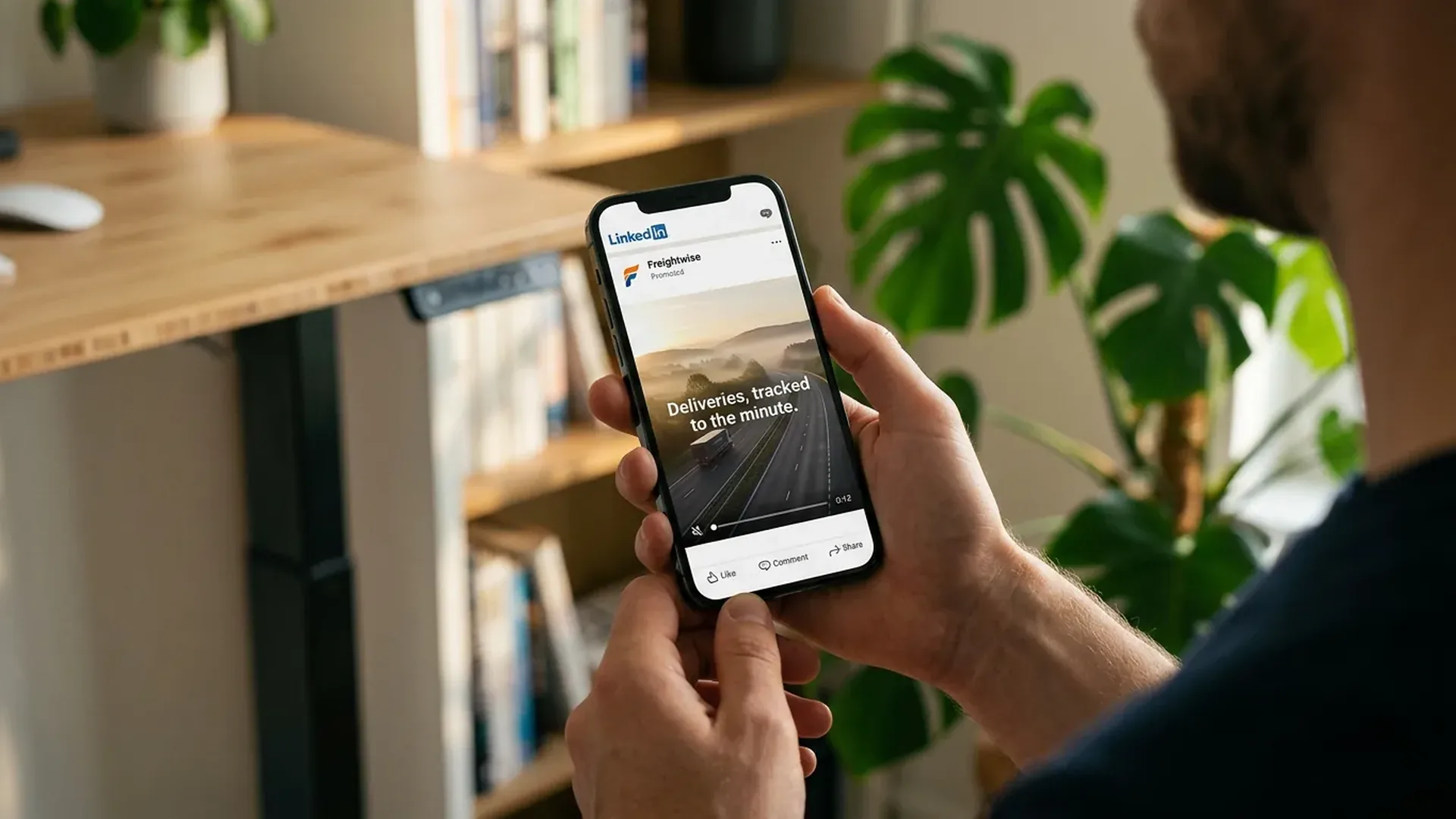
- Video: a 15 to 30-second explainer or customer story, with captions for silent viewing.
- Document ads: a guide, checklist or report people can read in the feed, with an optional lead form to download the full version.
- Thought leader ads: promoting a founder’s or expert’s post. Real people with real opinions beat brand voice in the feed.
- Conversation ads: a message with choose-your-path buttons, useful for event invites or demo booking.
- Text and dynamic ads: small right-rail formats for desktop reach and follower growth.
| Format | Best for | Key spec |
|---|---|---|
| Single image | Awareness and traffic | 1200x627, 1200x1200 or 720x900 |
| Carousel | Step-by-step stories, several products | 1080x1080 cards |
| Video | Explainers and customer stories | Square or vertical, captioned |
| Document | Lead gen with guides and reports | PDF in the feed |
| Thought leader | Trust and reach | A real employee’s post |
| Conversation | Event invites and demos | Messages with buttons |
What the Best LinkedIn Ads Have in Common
- A clear hook in the first line or frame.
- Specific, credible numbers instead of vague claims.
- A visible human, like a customer, employee or founder.
- Captions on every video.
- Creative tailored by job role or industry where possible.
LinkedIn Ad Specs to Plan For
The common sizes are 1200×627 landscape, 1200×1200 square and 720×900 vertical for single image ads, and 1080×1080 cards for carousels. For every size, file limit and copy length, see our LinkedIn ad specs guide.
How We Produce B2B and Tech Ads
We are a production studio, so this is where we come in: turning a b2b and tech campaign idea into every format the media plan needs.
- LinkedIn ad sets: single image, carousel, document and video. See LinkedIn carousel and document ads.
- Account-based display with versions by industry or company size.
- Trade show content: stand screens, LED walls and presenter decks. See exhibition stand screen content.
- Proof-led creative: stats, case studies and product screens that make a complex offer simple.
See our b2b and tech advertising page, read more in Trade show display ideas, B2B advertising examples, or send us your brief.
How We Build LinkedIn Campaigns
We treat LinkedIn as part of a wider B2B system. For ElevenLabs, the same story ran across HTML5 display and rich media takeovers; on LinkedIn, it becomes square video, carousels and document ads from the same master:
- Build one campaign idea, then adapt it per format.
- Make square and vertical first, as they take up the most feed space.
- Version headlines by role and industry.
- Refresh creative every few weeks to fight ad fatigue.
We build LinkedIn ads alongside HTML5 banners and other social formats. Here are some live tech and B2B banners from our studio:
Sources: LinkedIn Ads Guide.
Last updated 14 November 2026.
FAQ
What are the main LinkedIn ad formats?
Single image, carousel, video, document, thought leader, conversation, text and dynamic ads.
What makes a good LinkedIn ad?
A clear hook, one specific message with credible numbers, a visible human where possible and a single call to action.
What size should LinkedIn image ads be?
Common sizes are 1200×627 landscape, 1200×1200 square and 720×900 vertical. Carousel cards are usually 1080×1080.
What are LinkedIn thought leader ads?
They let companies promote posts from real people, like founders or experts, as ads, which often feels more trustworthy than brand content.
Are document ads good for lead generation?
Yes. People can read part of a guide or report in the feed, then submit a lead form to get the full version.
Need help with
creative production?
If you’re planning a campaign or need reliable digital creative production at scale, we can help. Send us your requirements and we’ll advise on formats, builds and delivery.
Need LinkedIn creative that earns the click? We’ll build every format from one idea, scoped and priced upfront.


















