
LinkedIn is the most expensive feed most B2B marketers buy. Clicks regularly cost several times what they do on Meta, so every impression has to work. Yet we still see LinkedIn campaigns launch with blurry resized display banners, headlines clipped mid-sentence and videos cropped into the wrong ratio.
The fix is simple: build to LinkedIn’s specs from the start. We produce LinkedIn creative for B2B brands and agencies every month, and these are the sizes, limits and settings we work to in 2026.
Key Takeaways
- Single image ads work best at 1200×1200 (1:1). Landscape 1200×628 and vertical 628×1200 are also supported, up to 5MB.
- Carousel ads take 2 to 10 cards at 1080×1080, up to 10MB each, all in the same ratio.
- Video ads can run 3 seconds to 30 minutes, up to 200MB, but 15 to 30 seconds is where most B2B ads perform.
- Document ads accept PDF, Word and PowerPoint files up to 100MB and 300 pages.
- Keep intro text under about 150 characters and headlines under 70 so they aren’t cut off on mobile.
LinkedIn Ad Sizes at a Glance
LinkedIn Sponsored Content comes in four main creative formats: single image, carousel, video and document ads. Each has its own sizes and limits, and choosing the right one matters more on LinkedIn than on most platforms, because the format shapes how a professional audience reads the message.
Here are the core specs side by side.
| Format | Recommended size | File types | Max file size |
|---|---|---|---|
| Single image | 1200x1200 (1:1), 1200x628, 628x1200 | JPG, PNG, GIF | 5MB |
| Carousel (per card) | 1080x1080 (1:1) | JPG, PNG | 10MB |
| Video | 1080x1080, 1080x1350, 1080x1920, 1920x1080 | MP4 | 200MB |
| Document | Portrait pages recommended | PDF, DOC, DOCX, PPT, PPTX | 100MB, 300 pages |
Want ideas as well as specs? See our LinkedIn ad examples.
Single Image Ads: Square Wins on Mobile
Single image ads are the workhorse of LinkedIn advertising. LinkedIn supports square (1200×1200), landscape (1200×628) and vertical (628×1200) images, in JPG, PNG or static GIF, up to 5MB.
We default to square. Most LinkedIn browsing happens on mobile, and a 1:1 image takes up noticeably more of the feed than a landscape one. Landscape still suits desktop-heavy audiences and right-hand-column-style layouts, and vertical works well for mobile-first campaigns, but if you only build one, build square.
Keep on-image text minimal. A short, bold line and a clear visual will do more than a slide crammed with bullet points. The detail belongs in the intro text.
Carousel Ads: Tell a Story in Cards
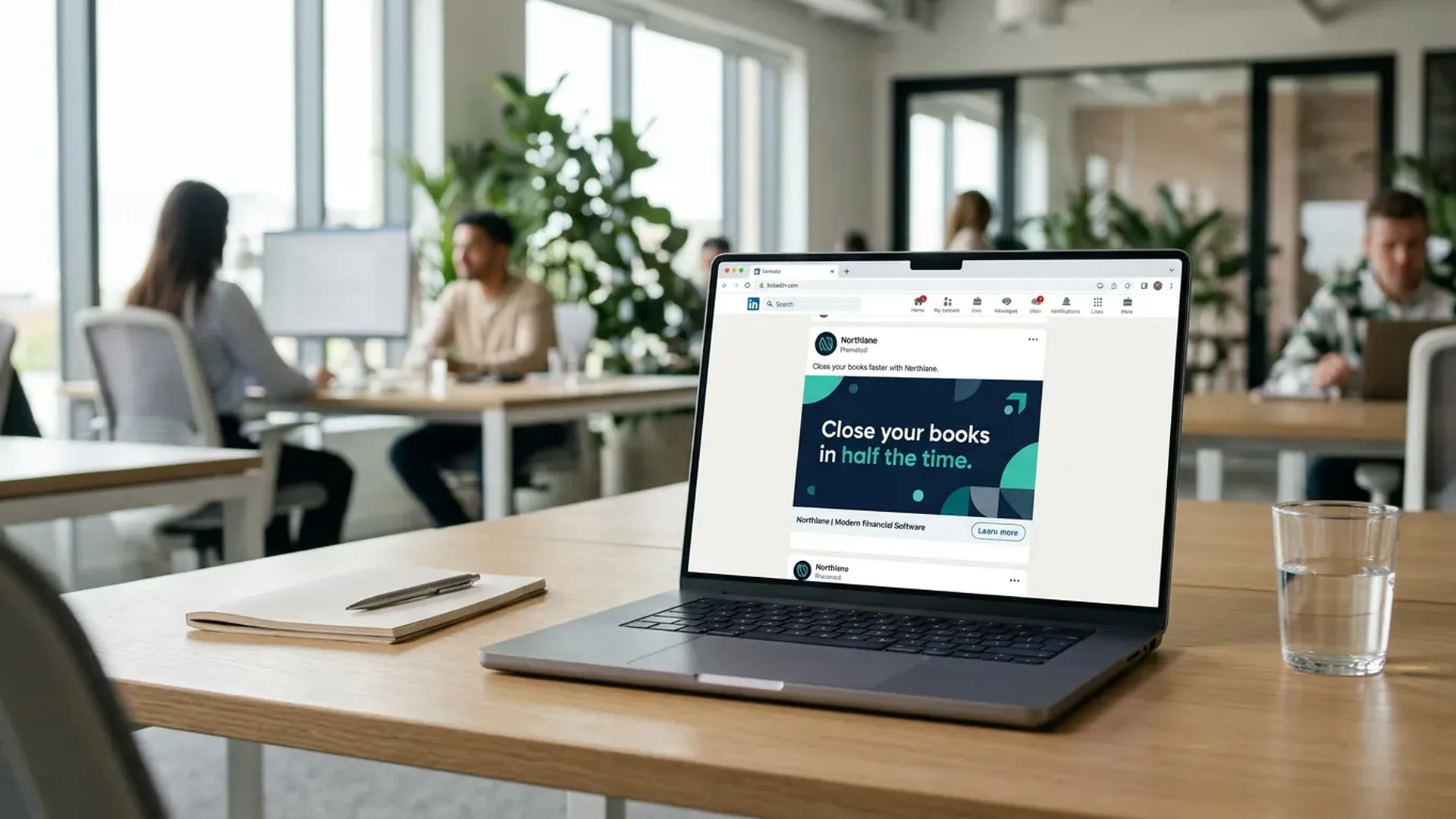
Carousels let you show 2 to 10 swipeable cards, each 1080×1080 pixels, in JPG or PNG up to 10MB per card. Every card must use the same aspect ratio, and each card headline gets 45 characters.
They work well for feature breakdowns, step-by-step processes, case study highlights and product ranges. We usually design three to five cards rather than ten. A tight sequence with a strong first card outperforms a long one that loses people halfway through.
Video Ads: Specs and the Length That Works
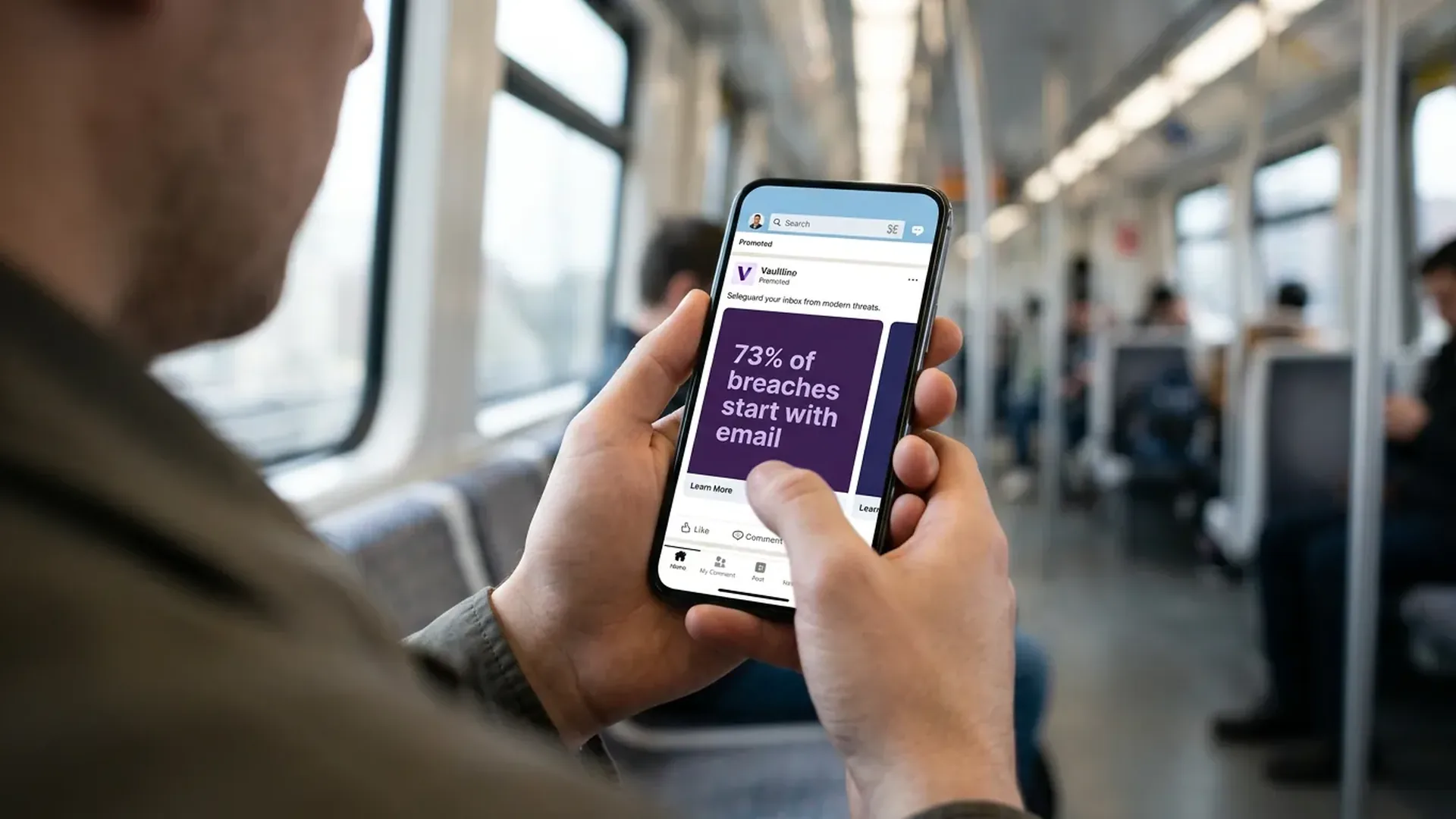
LinkedIn video ads accept MP4 files with H.264 video and AAC audio, up to 200MB, at 30 frames per second or below. Supported ratios are 16:9 (1920×1080), 1:1 (1080×1080), 4:5 (1080×1350) and 9:16 (1080×1920).
Technically a video can run anywhere from 3 seconds to 30 minutes. In practice, 15 to 30 seconds is the sweet spot for most B2B campaigns. Put your brand and the core message in the first few seconds, and always add captions, because most LinkedIn video autoplays with the sound off.
For mobile-first campaigns, vertical and square video take up far more of the feed than landscape. If your source footage is 16:9, it’s worth re-editing a 4:5 or 9:16 version rather than running landscape everywhere.
Producing vertical LinkedIn video? Check the interface overlay with our free safe zone checker, which includes LinkedIn’s vertical video guide.
Document Ads: Gated Content in the Feed
Document ads let people preview a guide, report or checklist directly in the feed, and you can gate the full document behind a lead gen form. LinkedIn accepts PDF, DOC, DOCX, PPT and PPTX files up to 100MB and 300 pages.
There’s no fixed pixel size, but portrait pages read best on mobile. Design the first two or three pages as the hook, because that’s what people see before they decide to unlock the rest. A clear cover, a promise of what’s inside and one or two genuinely useful pages beat a long preview of filler.
Text Limits That Stop Your Copy Being Clipped
LinkedIn allows up to 255 characters of intro text and 200 characters for headlines, but those are hard limits, not targets. On mobile, intro text is cut off after roughly 150 characters and headlines start clipping after about 70.
Write the intro so the first line works on its own. Lead with the problem or the result, not the company name. Keep headlines short enough to read at a glance, and save the detail for the landing page or lead form.
LinkedIn Creative That Earns the Click
- Build four to five ads per campaign. LinkedIn’s own guidance recommends several variations so delivery can favour the best performers.
- Use real people and real product screens rather than generic stock imagery.
- Lead with a specific number, result or question in the headline.
- Keep branding visible but small. The message should do the work.
- Match the format to the goal: single image for awareness, carousel for explaining, document ads for lead generation, video for storytelling.
Need a full set of LinkedIn creative built to spec? Our LinkedIn ads production team designs single image, carousel, document and video ads for B2B brands and agencies.
Sources: LinkedIn: single image ad specifications, LinkedIn Ads Guide.
FAQ
What size should LinkedIn image ads be?
Use 1200×1200 pixels (1:1) for the best mobile visibility. LinkedIn also supports 1200×628 landscape and 628×1200 vertical images, in JPG, PNG or GIF up to 5MB.
How long can a LinkedIn video ad be?
LinkedIn video ads can run from 3 seconds to 30 minutes, up to 200MB. For most B2B campaigns, 15 to 30 seconds performs best.
How many cards can a LinkedIn carousel ad have?
Between 2 and 10 cards, each 1080×1080 pixels and up to 10MB. All cards must use the same aspect ratio.
What files can I use for LinkedIn document ads?
PDF, DOC, DOCX, PPT and PPTX files up to 100MB and 300 pages. Portrait pages display best in the mobile feed.
How long should LinkedIn ad text be?
Intro text can be up to 255 characters, but mobile shows about 150 before cutting it off. Headlines can be up to 200 characters, but keep them under 70 to avoid clipping.
Need help with
creative production?
If you’re planning a campaign or need reliable digital creative production at scale, we can help. Send us your requirements and we’ll advise on formats, builds and delivery.
For specs, safe zones and production across every platform, see our social media ads hub.


















