
Exhibition stand screens get a few seconds of attention from people walking down an aisle with a lanyard, a coffee and a full schedule. The content that works stops them, tells them what you do in one line, and gives them a reason to step onto the stand. Most stand screens instead play a corporate video with sound nobody can hear.
This guide covers what to put on each type of stand screen, how long loops should be, the sizes and file formats to plan for, and a production timeline that gets files to the stand builder on time. We make exhibition screen content for trade shows and conferences across the UK and Europe.
Key Takeaways
- Design for silence and distance. Assume no sound and a viewer 3 to 5 metres away.
- One message per screen: what you do, for whom, and why they should stop.
- Short loops win. 15 to 30 seconds for attract screens, longer only for demo screens people stand in front of.
- Get the exact resolution from the stand builder or AV supplier. LED walls are rarely a standard 16:9 size.
- Plan a full set: attract loop, demo or explainer, presenter slides and matching social and email graphics.
| Screen | Job | Length | What to show |
|---|---|---|---|
| Attract screen (back wall or LED) | Stop people in the aisle | 15 to 30 s loop | Big headline, product in motion, logo always visible |
| Portrait totem | Draw people into the stand | 10 to 20 s loop | One claim, one product, a QR code or stand number |
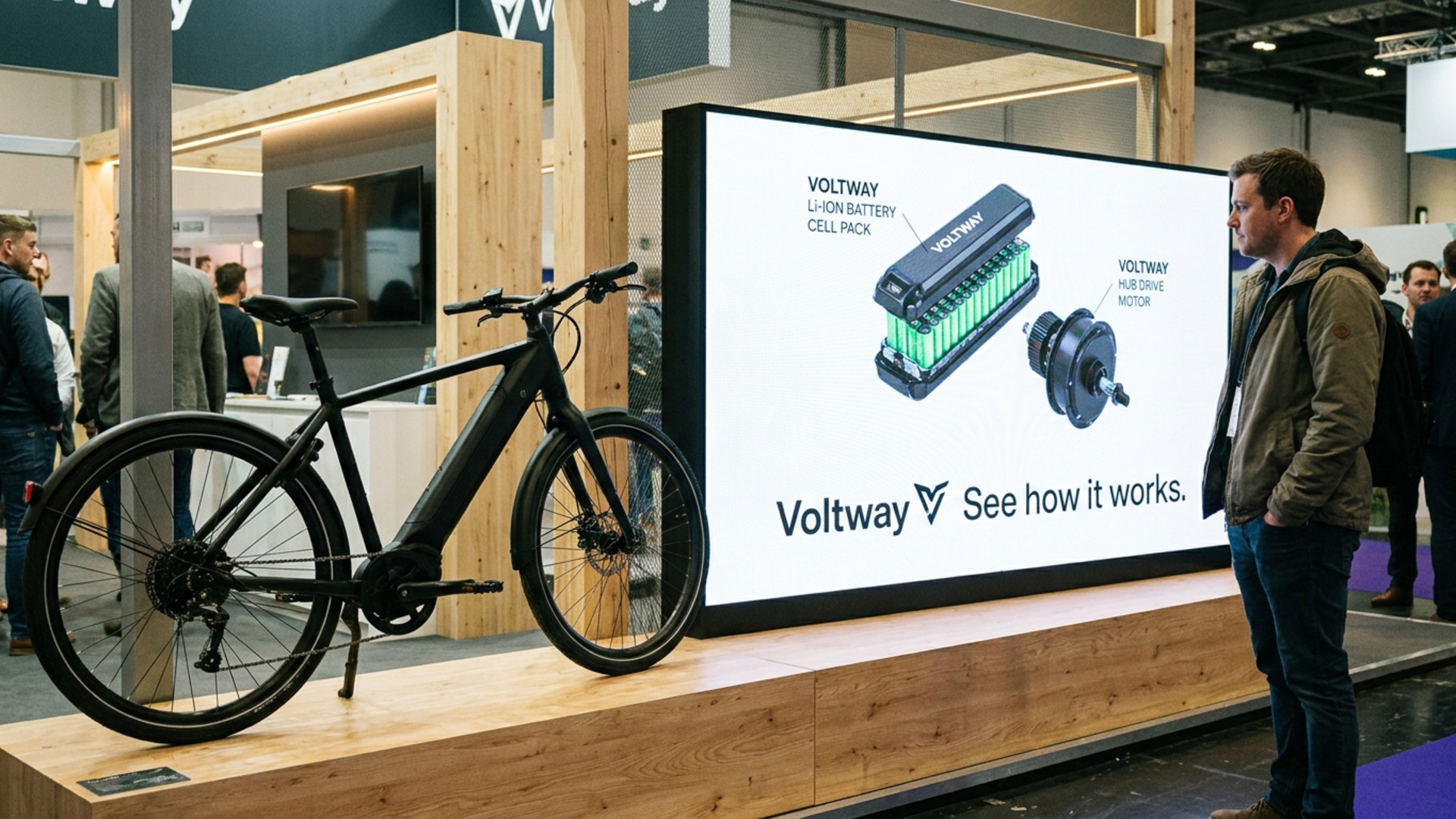
| Demo or explainer screen | Explain the product to visitors on the stand | 1 to 3 min loop or interactive | Exploded views, how it works, key specs |
| Meeting area screen | Support conversations | Presenter-driven | Slides, case studies, short clips |
| Stage or keynote screen | Frame a talk | Per session | Title cards, holding slides, speaker names |
What to Put on an Exhibition Stand Screen
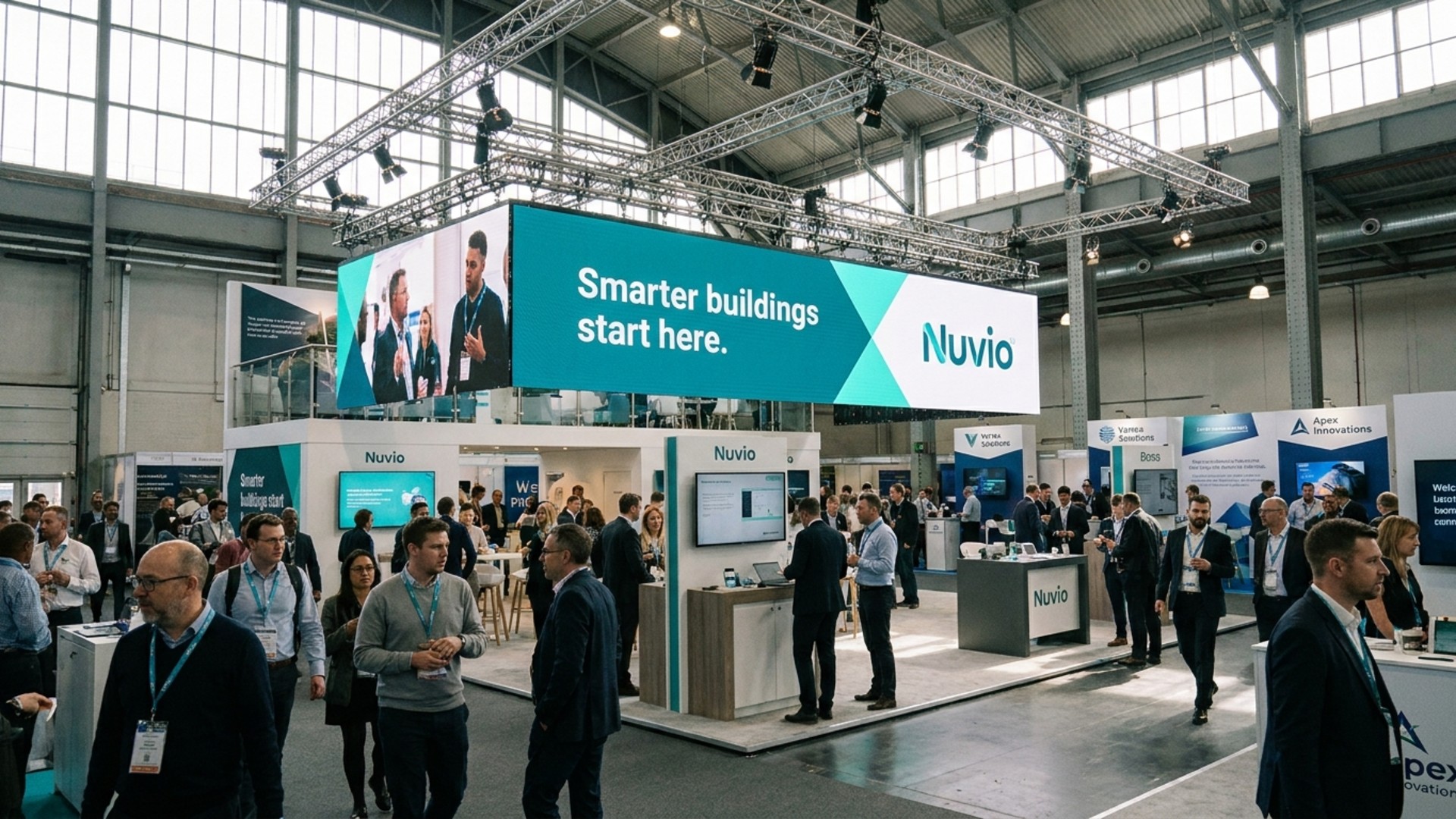
Start with the job each screen does. The big screen on the back wall is a sign: it should tell the aisle who you are and what you solve in one look. Smaller screens on the stand are for people who have already stopped, so they can carry more detail.
- A headline that works without context. “Cut warehouse picking time by 30%” beats “Innovation in motion”.
- The product, big and moving. A slow rotation, an exploded view or the product in use. Motion catches the eye from across the hall.
- Your logo on screen at all times, not only at the end. People join the loop at any point.
- A clear next step: the stand number, a demo time, a QR code to book a meeting or download a guide.
- Captions on anything with speech. Halls are loud. If it needs sound to make sense, it won’t.
Loop Length and Pacing
Attract loops should be short: 15 to 30 seconds, with each scene on screen long enough to read at walking pace (around 3 to 5 seconds per line of text). Longer content is fine on demo screens where visitors stand and watch, but break it into chapters with titles so someone joining halfway still knows where they are.
Avoid hard cuts to black at the end of a loop. Design the last frame to flow into the first so the screen never looks blank.
Screen Sizes, Resolutions and Files
Standard screens on stands are usually 16:9 at 1920 x 1080 (Full HD) or 3840 x 2160 (4K), or the same rotated to portrait for totems. LED walls are different: their resolution depends on the panel layout and pixel pitch, so a 5 x 3 metre wall might be 2304 x 1296 or another non-standard size.
- Ask the stand builder or AV company for exact pixel dimensions of every screen, plus orientation and playback device.
- Video: H.264 MP4 at the screen’s native resolution, 25 or 30 fps, unless the AV supplier asks for something else.
- Stills and slides: PNG or JPEG at native resolution; presenter decks at 16:9 to match the meeting screens.
- Interactive content: confirm whether it runs from a PC, a media player or a tablet, and test it on that hardware.
- Bring backups on a USB drive in two formats, named clearly by screen.
A Production Timeline That Works
- 8 weeks out: confirm screens, sizes and playback with the stand builder. Agree the key message.
- 6 weeks out: storyboard the attract loop and demo content. Gather product renders, footage and data.
- 4 weeks out: first cut for review on a real screen, or at full size on a big monitor.
- 2 weeks out: final files to the AV supplier. Make the matching social, email and display banners for pre-show promotion.
- Show day: check every screen plays, loops and is readable from the aisle.
Make the Content Work After the Show
The same assets can run as digital signage in your reception, social cut-downs for LinkedIn, and display ads retargeting visitors. Plan the exports at the start so it’s one shoot and one edit. For more ideas see trade show display ideas and digital signage content ideas.
Get Your Stand Screen Content Made
We design and animate attract loops, product explainers, LED wall visuals and presenter decks for exhibitions, delivered to the AV supplier’s exact spec. See our exhibition screen content service or tell us about your next show.
From Our Studio
Real campaigns we’ve built, with the full story in each case study.

Spa
Spa Duo launch creative on transport DOOH screens, alongside HTML5 display.
Read the case study
Kärcher
A modular DOOH and HTML5 system, delivered to every media owner’s spec.
Read the case study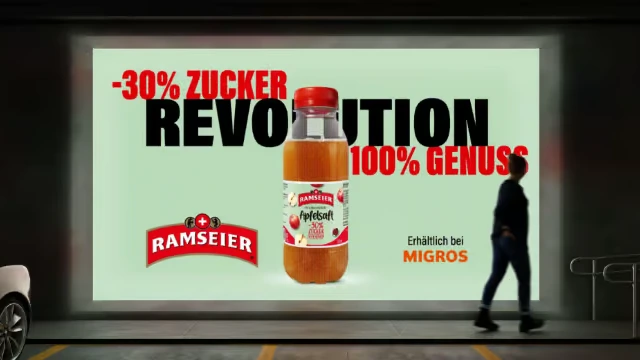
Ramseier
Reduced-sugar apple juice DOOH, built from the same idea as its interactive banners.
Read the case studyFAQ
What should I put on my exhibition stand screen?
Show one clear message about what you do and who it helps, the product in motion, your logo throughout and a next step such as a demo time or QR code. Design it to work without sound and from 3 to 5 metres away.
How long should an exhibition screen loop be?
Attract loops on the main stand screen work best at 15 to 30 seconds. Demo and explainer screens can run longer because visitors stand in front of them.
What resolution should exhibition screen content be?
Standard screens are usually 1920 x 1080 or 3840 x 2160, landscape or portrait. LED walls often have non-standard resolutions, so get exact pixel sizes from the stand builder or AV supplier.
What file format do exhibition screens use?
Most AV suppliers want H.264 MP4 at the screen’s native resolution and 25 or 30 fps, plus PNG or JPEG for stills. Always confirm with the supplier and bring backups.
How far ahead should I order stand screen content?
Start about 8 weeks before the show to confirm screen specs, and deliver final files to the AV supplier around 2 weeks before.
Need help with
creative production?
If you’re planning a campaign or need reliable digital creative production at scale, we can help. Send us your requirements and we’ll advise on formats, builds and delivery.
Got screens but no content plan? We’ll make the loops, scoped and priced upfront.


















