
Most trade show stands spend thousands on the build and treat the screens as an afterthought. Then a beautiful LED wall loops a 4-minute corporate video nobody stops for. The screens are often the hardest-working part of the stand, if the content is made for them.
Page one for “trade show displays” is display stand suppliers selling hardware. This guide is about what goes on the screens: content ideas that pull people in, the specs to build to, and how to plan it. We produce exhibition screen content and digital signage for tech and B2B brands.
Key Takeaways
- Screen content should attract from a distance, then inform up close.
- Short, silent attract loops of 15 to 60 seconds beat long corporate videos.
- Interactive demos, live data and QR lead capture turn passers-by into conversations.
- Get exact screen and LED wall resolutions from your stand builder before design starts.
- Plan screens as part of your campaign, with the same idea as your display and LinkedIn ads.
Why Stand Screens Matter
At a busy show, you have a few seconds as people walk past. Big, bold motion on a screen is what makes them slow down. Once they stop, the same screens can explain the product, show proof and back up your sales team’s conversations.
Trade Show Display Ideas for Digital Screens
- Attract loop: a 15 to 60-second silent loop with one bold message, readable from the aisle.
- Product demo: a short animated or recorded demo your team can talk over.
- Live data: real-time stats, dashboards or counters that make people look twice.
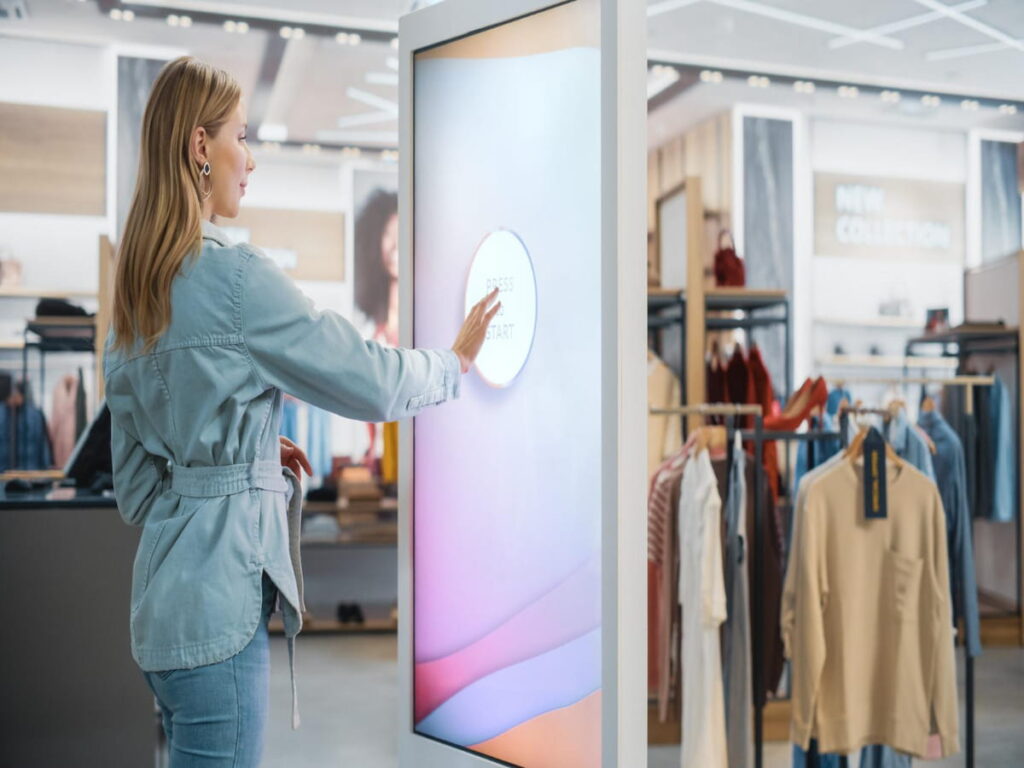
- Interactive touchscreen: a product configurator, quiz or case study explorer.
- Countdown and schedule: talks, demos and giveaways happening on your stand.
- QR lead capture: a big, scannable code linked to a demo booking or download.
- Customer proof: logos, quotes and results on rotation.
| Screen type | Typical resolution | Best content |
|---|---|---|
| Landscape screen | 1920x1080 or 3840x2160 | Attract loops, demos |
| Portrait totem | 1080x1920 | Wayfinding, QR lead capture |
| LED wall | Custom, based on panels | Big brand moments |
| Touchscreen | Varies by hardware | Configurators, quizzes |
Screen and LED Wall Specs to Plan For
- Standard screens: usually 16:9 at 1920×1080 or 4K 3840×2160.
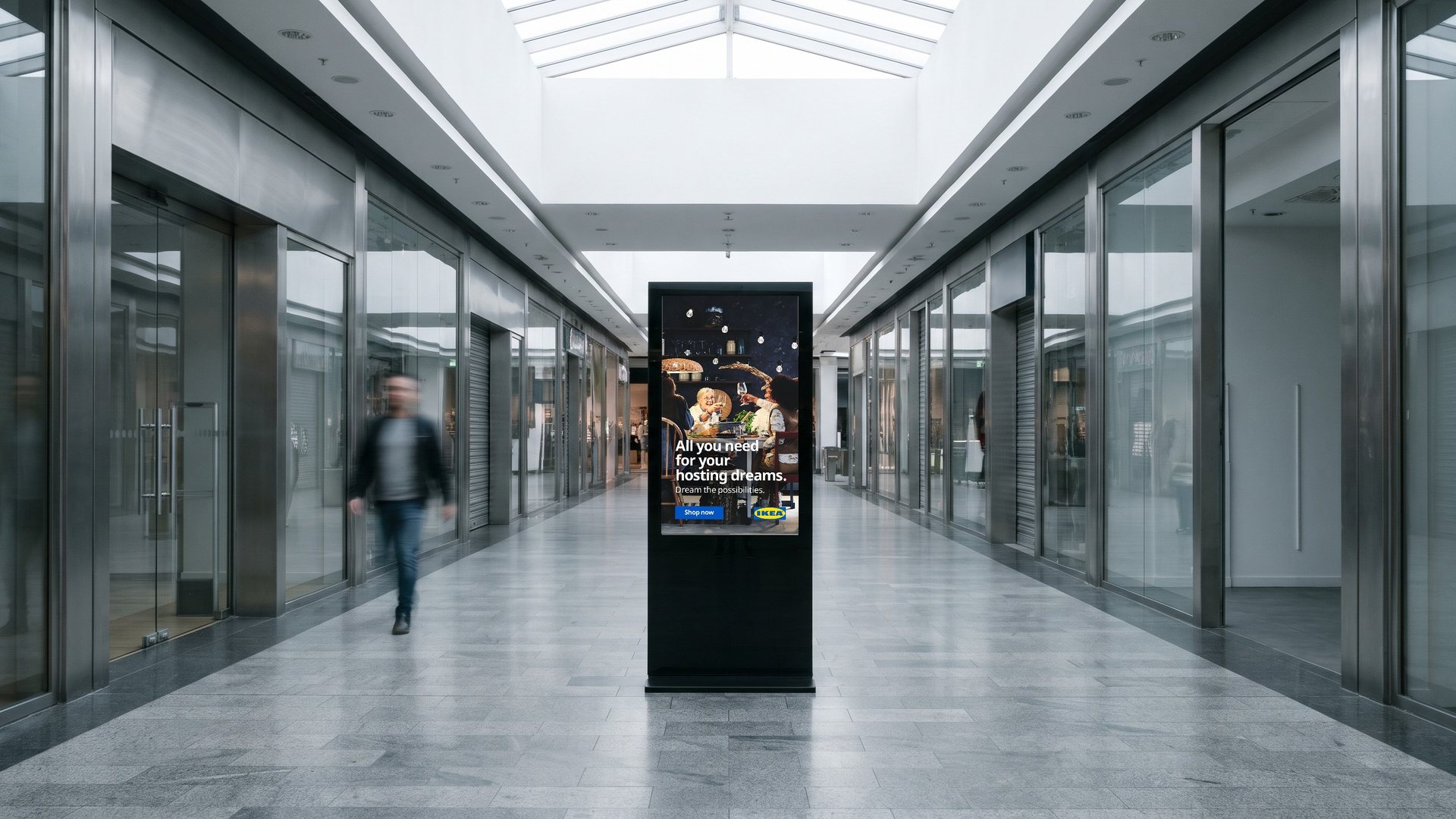
- Portrait totems: commonly 1080×1920.
- LED walls: custom resolutions based on panel count and pixel pitch, so always ask your stand builder for the exact pixel size.
- Files: usually MP4 (H.264) for loops, with no sound unless your stand has audio.
- Interactive content: HTML5 or an app, tested on the actual hardware.
Design Tips That Work From the Aisle
- Six words or fewer on the attract loop.
- Big type and high contrast; show floors are bright and busy.
- Keep key content away from screen edges and bezels.
- Use motion to catch the eye, but keep messages on screen long enough to read.
- Match the look of your display and LinkedIn ads, so people recognise you.
How We Produce B2B and Tech Ads
We are a production studio, so this is where we come in: turning a b2b and tech campaign idea into every format the media plan needs.
- LinkedIn ad sets: single image, carousel, document and video. See LinkedIn carousel and document ads.
- Account-based display with versions by industry or company size.
- Trade show content: stand screens, LED walls and presenter decks. See exhibition stand screen content.
- Proof-led creative: stats, case studies and product screens that make a complex offer simple.
See our b2b and tech advertising page, read more in Linkedin AD examples, B2B advertising examples, or send us your brief.
Our Event Content Checklist
Event content has a hard deadline: the doors open whether it’s ready or not. We use the same delivery discipline as our multi-market campaigns for Kärcher and Cedral:
- Collect every screen size and resolution from the stand builder.
- Agree the content plan per screen: attract, demo or interactive.
- Build master designs, then export for each screen.
- Test files on the actual hardware before the show.
- Bring backup files on USB, because venue Wi-Fi fails.
We make event and DOOH content alongside HTML5 banners and social ads, so your campaign looks the same everywhere. Here are some live tech and B2B banners from our studio:
Last updated 14 November 2026.
From Our Studio
Real campaigns we’ve built, with the full story in each case study.

Spa
Spa Duo launch creative on transport DOOH screens, alongside HTML5 display.
Read the case study
Kärcher
A modular DOOH and HTML5 system, delivered to every media owner’s spec.
Read the case study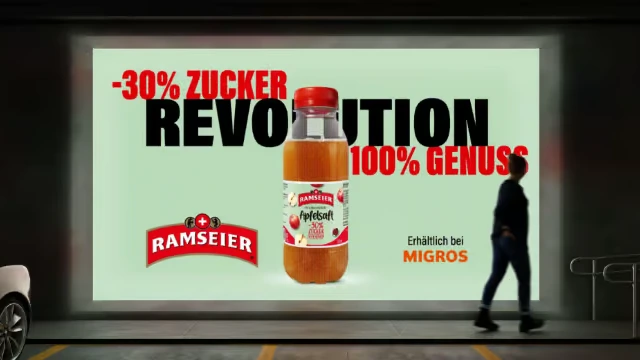
Ramseier
Reduced-sugar apple juice DOOH, built from the same idea as its interactive banners.
Read the case studyFAQ
What should I show on trade show screens?
A short, silent attract loop with one bold message, plus product demos, customer proof and a QR code for lead capture.
How long should a trade show video loop be?
Most attract loops work best at 15 to 60 seconds. Long corporate videos rarely hold people walking past.
What resolution are exhibition screens?
Standard screens are usually 1920×1080 or 3840×2160, portrait totems are commonly 1080×1920, and LED walls have custom resolutions based on their panels.
Should trade show screen content have sound?
Usually not. Show floors are noisy, so design content to work silently, with captions or text.
How far ahead should I plan exhibition screen content?
Start at least four to six weeks before the show, so there’s time to get specs, build, test on the hardware and make changes.
Need help with
creative production?
If you’re planning a campaign or need reliable digital creative production at scale, we can help. Send us your requirements and we’ll advise on formats, builds and delivery.
Event coming up? We’ll make screen content that stops people in the aisle, scoped and priced upfront.


















