
The best digital signage content is short, timely and useful to the person standing in front of the screen: today’s offer, what’s on next, how long the wait is, what to do now. Lists of a hundred ideas don’t help much if nothing gets made. This guide picks the ideas that work in practice and shows how to produce each one: length, format, data source and how often to refresh.
We make digital signage content for retail, hospitality, offices and events, so these are the ideas we see earn their screen time.
Key Takeaways
- Every item should answer one question for the viewer in under 10 seconds.
- Mix three types: useful information, promotion and brand. Too much promotion and people stop looking.
- Use data where you can: time, weather, queue times and live prices keep screens current without new artwork.
- Plan a 60 to 120-second loop with 8 to 15 seconds per item, and change it at least monthly.
- Build templates, not one-offs, so staff can update text and prices without a designer.
| Idea | Best for | Length | How to keep it fresh |
|---|---|---|---|
| Today's offer or promotion | Retail, food and drink | 8 to 10 s | Template with editable price and product |
| Day-part menu | Cafés, restaurants, bars | Static or 10 s | Scheduled by time of day |
| Queue or wait time | Banks, clinics, counters | Live | Data feed from the queue system |
| What's on next | Venues, events, gyms, offices | 10 s per item | Calendar feed |
| Weather-led product | Retail, drinks, outdoor gear | 8 s | Weather trigger swaps the product |
| Social proof and reviews | Retail, hospitality | 8 s | Rotate fresh reviews monthly |
| Wayfinding | Large stores, venues, offices | Static | Update when layouts change |
| Team news and KPIs | Offices, warehouses | 10 s | Feed from internal dashboards |
Retail Signage Content That Sells
- One offer per screen, per moment. A single product, price and reason to buy. Build it as a template so prices can change daily.
- Show the product in use. Short motion (a pour, a fold, a reveal) catches the eye from across the shop floor.
- Use the location. Screens near a product should sell that product; screens at the entrance should say what’s new.
- Social proof. A short real review or rating beside the product, refreshed regularly.
Hospitality and Food
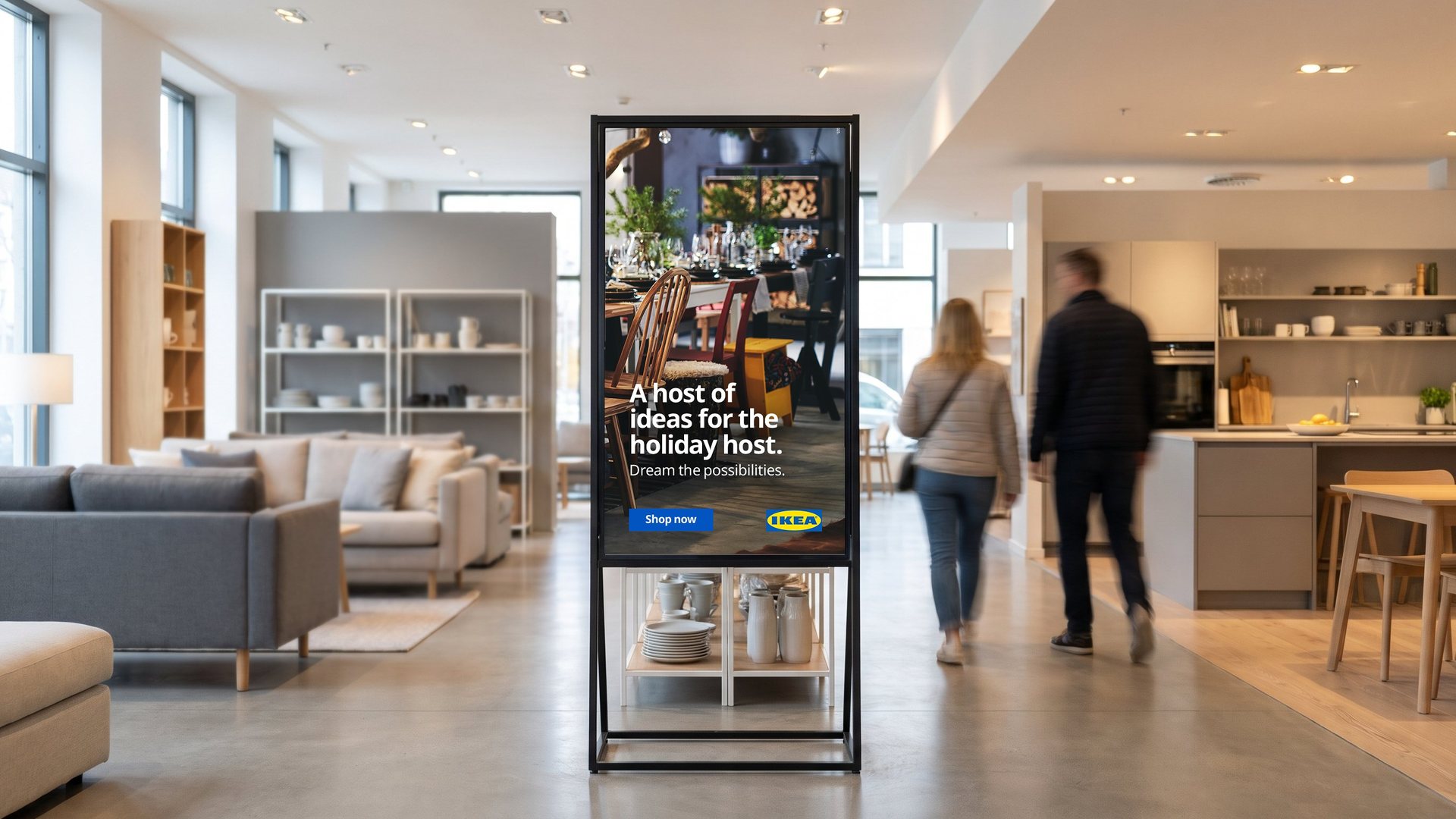
- Day-part menus: breakfast, lunch and evening scheduled automatically, with photography shot to the screen ratio.
- Specials and new items with appetising close-ups. Food footage needs light and movement more than text.
- Wait times and order-ready screens for counters and collection points.
- Allergen and price information kept large and clear where people decide.
Offices, Workplaces and Venues
- What’s on next: meetings, sessions or events, pulled from a calendar so it’s always right.
- Live numbers: sales boards, safety days, production targets from a dashboard feed.
- Welcome screens for visitors, updated the same morning.
- Wayfinding in large buildings, simple and static.
How to Produce Signage Content That Lasts
- List every screen with size, orientation and location. See digital signage screen sizes for resolutions.
- Write the loop: 60 to 120 seconds, 8 to 15 seconds per item, with a balance of useful, promotional and brand content.
- Design templates for each content type with editable text, prices and images, so the loop can change without a new design each time.
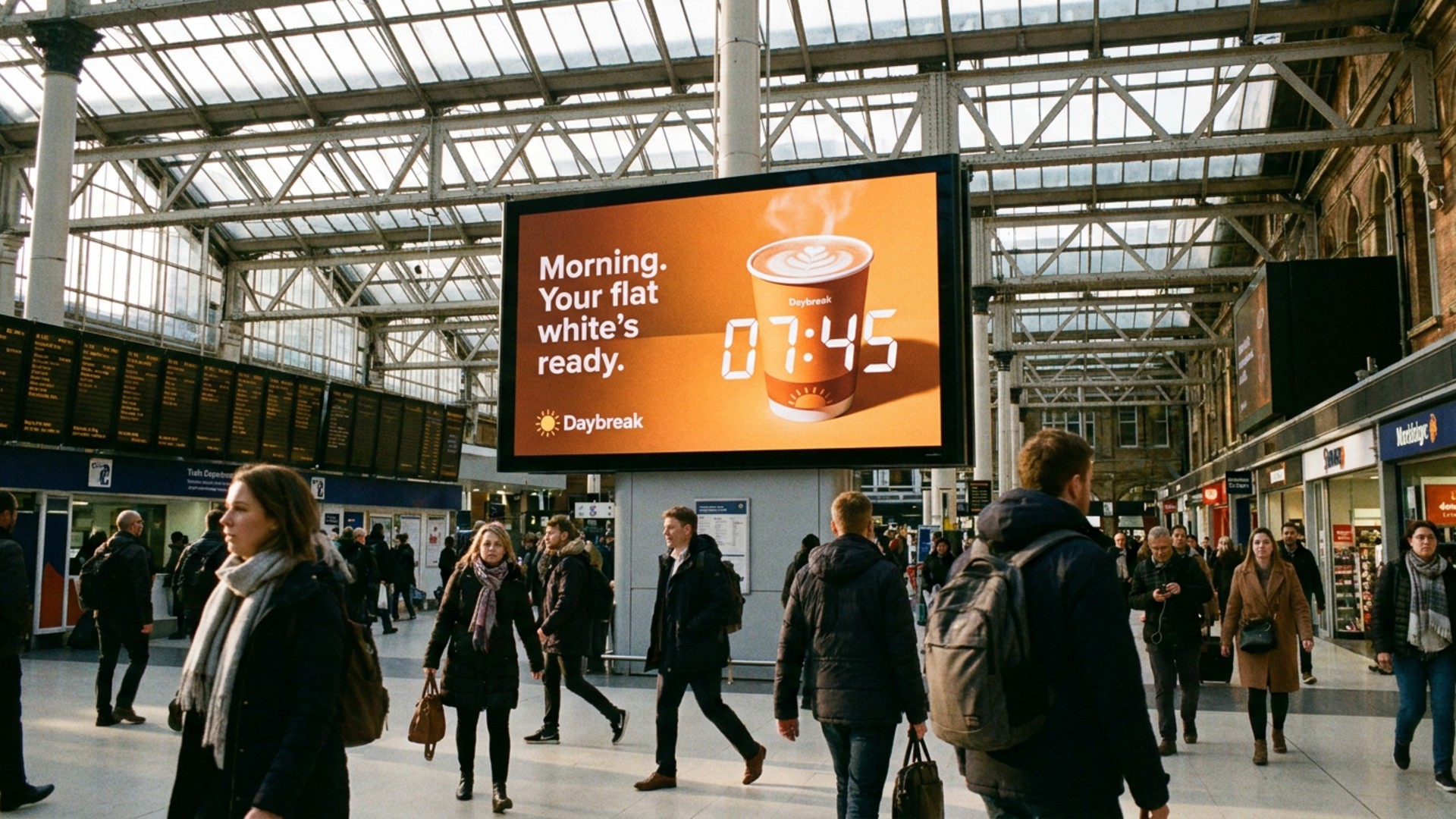
- Connect data where it helps: time of day, weather, calendars, queue systems or price feeds. This is how contextual DOOH works on public screens too.
- Schedule and review monthly: drop what’s stale, add new offers, check every screen from where people actually stand.
Design Rules for Digital Signage
- Readable from the viewing distance: big type, short lines, high contrast.
- One message per item; no paragraphs.
- Keep text and logos away from the edges and bezels.
- Motion should be smooth and purposeful, not constant.
- Brand present throughout, so a passer-by knows who it’s from.
For trade shows and events, see exhibition stand screen content.
Get Your Signage Content Made
We design and animate signage content and editable templates for every screen in your estate. See our digital signage content service or send us your screen list.
From Our Studio
Real campaigns we’ve built, with the full story in each case study.

Spa
Spa Duo launch creative on transport DOOH screens, alongside HTML5 display.
Read the case study
Kärcher
A modular DOOH and HTML5 system, delivered to every media owner’s spec.
Read the case study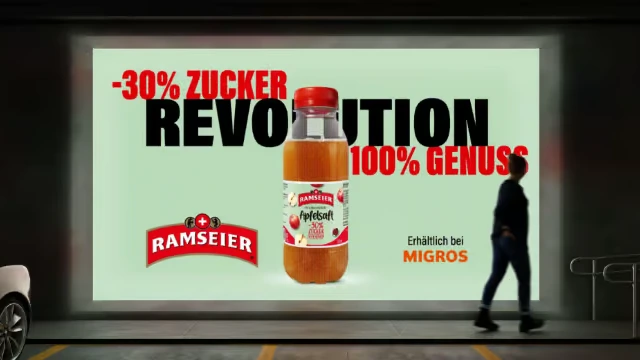
Ramseier
Reduced-sugar apple juice DOOH, built from the same idea as its interactive banners.
Read the case studyFAQ
What should I put on my digital signage?
Short, timely content that is useful to the person in front of the screen: today’s offers, menus, what’s on next, wait times, wayfinding and brand messages, mixed in a short loop.
How long should digital signage content be?
Each item usually works best at 8 to 15 seconds, in a loop of 60 to 120 seconds. Viewers often only see a few seconds, so each item must make sense on its own.
How often should digital signage content change?
Review and refresh at least monthly, and use templates and data feeds so prices, menus and schedules update automatically in between.
How do I make digital signage content without a designer every time?
Have templates designed for each content type with editable text, prices and images, and connect data such as calendars or price feeds where possible.
What makes digital signage content effective?
Relevance to the location and moment, one clear message per item, large readable type, high contrast and a brand that is visible throughout.
Need help with
creative production?
If you’re planning a campaign or need reliable digital creative production at scale, we can help. Send us your requirements and we’ll advise on formats, builds and delivery.
Got screens but no content plan? We’ll make the loops, scoped and priced upfront.


















