
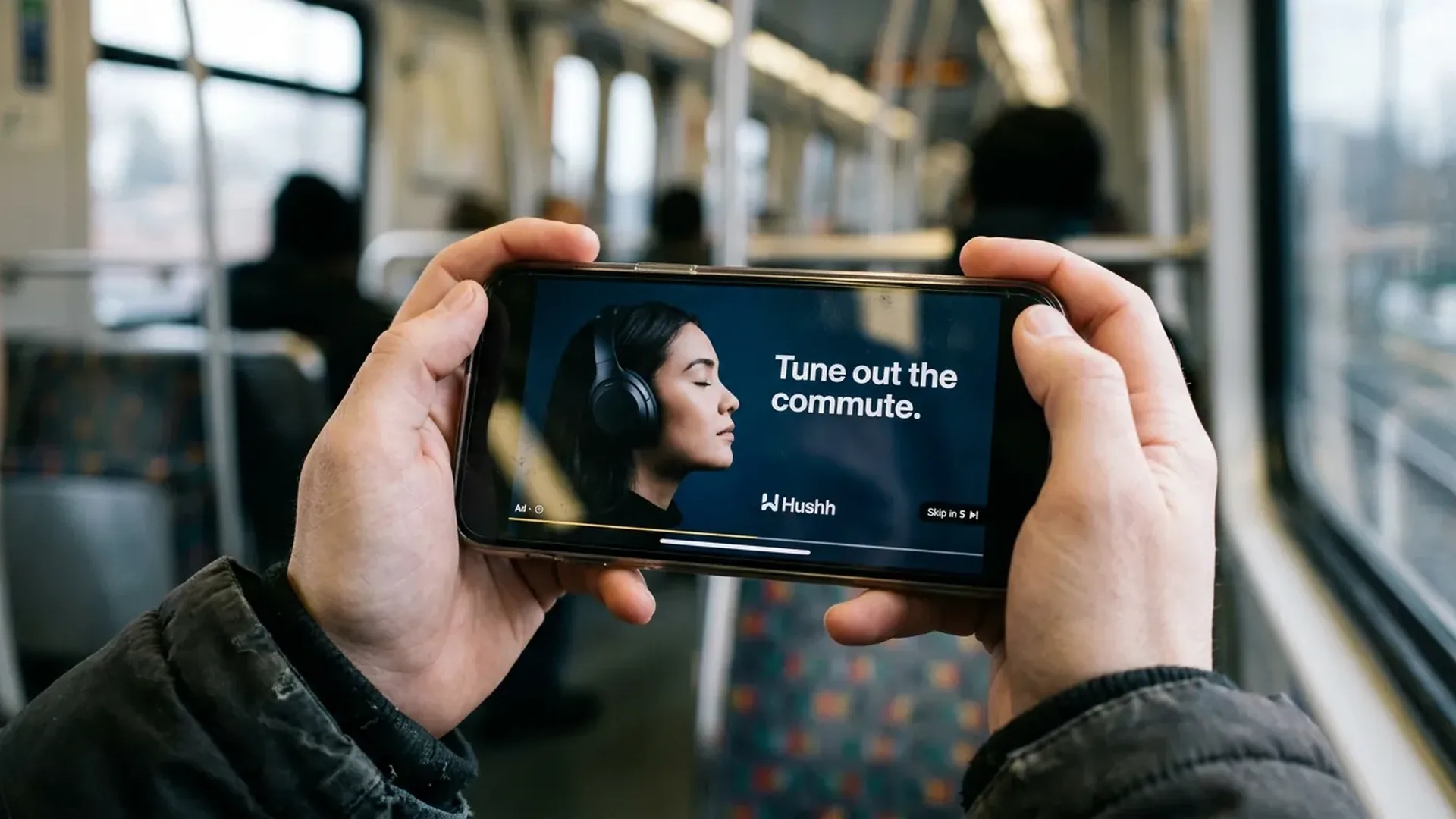
A YouTube bumper ad is a non-skippable video ad of six seconds or less. It plays before, during or after other videos on YouTube and Google video partner sites, on phones, computers and TV screens.
Six seconds sounds like nothing, but because nobody can skip it, a bumper is one of the cheapest ways to put a single message in front of a lot of people. This guide covers the specs, when bumpers make sense, how to fit an idea into six seconds, and how to cut bumpers from footage you already have. We make YouTube ads in every format, including bumper sets for brand campaigns.
Key Takeaways
- Bumpers are 6 seconds or shorter and can’t be skipped. Anything longer is rejected for the format.
- They are bought on target CPM, for reach and awareness, not clicks.
- One message per bumper. Show the brand from the first frame.
- They work best alongside longer ads: tease, remind or follow up a skippable in-stream or Shorts ad.
- Make a sequence of bumpers rather than one. Rotate them to avoid fatigue.
| Spec | Bumper ads |
|---|---|
| Length | 6 seconds or less (non-skippable) |
| Aspect ratio | 16:9 recommended (fits TV screens). 9:16 and 1:1 also accepted |
| Resolution | 1920 x 1080 for 16:9. 1080 x 1920 for vertical |
| File | Upload to YouTube (public or unlisted). MP4, H.264 master |
| Buying | Target CPM, in video reach or awareness campaigns |
| Where it runs | YouTube on mobile, desktop and TV, plus Google video partners |
| Companion banner | Auto-generated from your channel videos, or none |
When to Use Bumper Ads
Bumpers are for reach and recall. They are not the format to explain a product or drive a click. Use them to:
- Launch: put a new product, pack or name in front of as many people as possible.
- Remind: follow up people who saw a longer ad, so the message sticks.
- Tease: run before a longer story to build curiosity.
- Cover big moments: a sale, an event date or a seasonal message that only needs one line.
Google’s video reach campaigns can mix bumpers with skippable in-stream and Shorts ads automatically, so a set of bumpers often sits in the same campaign as your longer edits.
How to Fit an Idea Into Six Seconds
- One thought only. One product, one benefit or one feeling. If you need “and”, make two bumpers.
- Brand in the first second. Logo, pack or product on screen from the start, and still there at the end.
- Lead with the picture. Most of the message should land without sound. Keep any line short enough to read twice.
- Use motion to point the eye. One clear movement (a reveal, a zoom, a product turning) beats lots of quick cuts.
- End on what to remember: the name, the offer or the date, not a URL nobody will type.
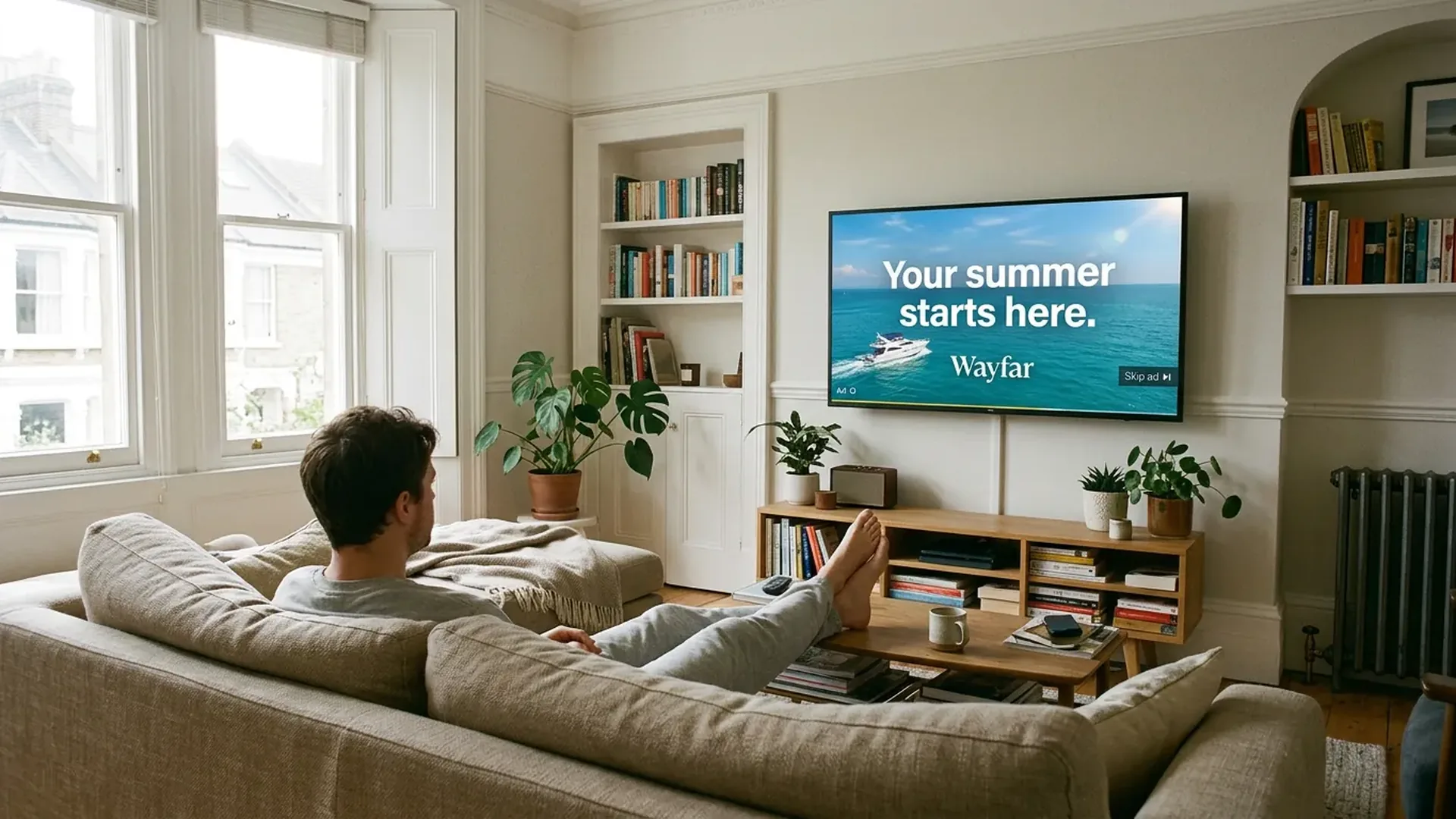
- Design for the TV and the phone. Bumpers often play on a big screen across a room, so keep text large and centred.
Cutting Bumpers From Longer Ads
You don’t always need a new shoot. Many of the bumpers we make are cut from a 15 or 30-second ad, a product film or a set of stills. The trick is to cut for the message, not just trim the first six seconds:
- Pick the single strongest shot for the product or the moment.
- Rebuild the end frame so brand and message sit together.
- Re-time any supers so they can be read in under two seconds.
- Make 3 to 5 bumpers from one master, each with a different line or shot, and rotate them.
- Export 16:9 for in-stream and TV, and a 9:16 version for mobile placements.
Bumpers in a Sequence
YouTube ad sequencing lets you show the same person a set of ads in a fixed order. A common pattern is a skippable in-stream or Shorts ad first, then two or three bumpers that repeat the key message in different ways. It turns six seconds from a limit into a reminder.
Bumper Ads vs Other YouTube Formats
Bumper: 6 seconds, can’t be skipped, bought on CPM for reach. Non-skippable in-stream: 15 seconds (longer on TV screens), can’t be skipped. Skippable in-stream: any length, skippable after 5 seconds, good for stories and action. Shorts: vertical, swipeable, in the Shorts feed. See all of them in our YouTube ad formats and specs guide.
Get Your Bumper Ads Made
We plan and cut bumper sets from your footage, product shots or existing ads, with matching in-stream, Shorts and display versions so the campaign hangs together. See our YouTube ad production service or send us your brief.
FAQ
How long is a YouTube bumper ad?
A bumper ad is 6 seconds or shorter. It can’t be skipped, so the whole message is seen.
What size should a bumper ad be?
16:9 at 1920 x 1080 is the recommended size, because bumpers often play on TV screens. YouTube also accepts vertical 9:16 and square 1:1 videos.
How are bumper ads paid for?
Bumper ads are bought on target CPM, meaning you pay per thousand impressions. They are designed for reach and awareness rather than clicks.
Are bumper ads worth it?
They are a low-cost way to reach a large audience with one message and are best used alongside longer ads to tease or reinforce them. They are less suited to explaining a product or driving direct response.
Can I make bumper ads from an existing video?
Yes. Most bumpers can be cut from a longer ad or product film. Pick one strong shot, rebuild the end frame with brand and message, and make several versions to rotate.
Need help with
creative production?
If you’re planning a campaign or need reliable digital creative production at scale, we can help. Send us your requirements and we’ll advise on formats, builds and delivery.
Need a set of bumper ads cut from your footage? We build them with your in-stream and Shorts versions, scoped and priced upfront.


















