
YouTube gives you about five seconds. That’s how long most viewers wait before the skip button appears, and it’s the single biggest factor in whether a YouTube ad works. Yet plenty of brands still run a 30-second TV spot unchanged and wonder why the view rate is low.
Each YouTube format plays by different rules, from 6-second bumpers to vertical Shorts. We edit and version YouTube ads for brands and agencies, and this is the guide we work from: every format, the sizes and lengths it needs, and how to cut creative that holds attention in 2026.
Key Takeaways
- Skippable in-stream ads can be any length, but the hook and brand need to land in the first five seconds.
- Non-skippable in-stream ads run 7 to 15 seconds, and up to 30 seconds on connected TV.
- Bumper ads are 6 seconds or less, non-skippable, and built for reach and recall.
- Shorts ads are vertical 9:16 at 1080×1920. In-stream and bumpers usually run 16:9 at 1920×1080.
- One well-shot master can become a full set: 30s, 15s, 6s and a vertical Shorts cut.
The YouTube Ad Formats at a Glance
Google groups YouTube video ads into a handful of formats, each suited to a different objective. Some are skippable, some aren’t, some play before videos and some appear in the feed or between Shorts. Knowing which is which decides how long your edit should be and how you structure it.
Here’s the quick reference.
| Format | Length | Skippable | Recommended size |
|---|---|---|---|
| Skippable in-stream | Any length (15 to 30s typical) | After 5 seconds | 1920x1080 (16:9) |
| Non-skippable in-stream | 7 to 15 seconds | No | 1920x1080 (16:9) |
| Non-skippable (connected TV) | 16 to 30 seconds | No | 1920x1080 (16:9) |
| Bumper | 6 seconds or less | No | 1920x1080 (16:9) |
| Shorts | Short, vertical edits | Yes | 1080x1920 (9:16) |
| In-feed | Any length | Viewer clicks to watch | 1920x1080 plus thumbnail |
Focusing on vertical video? Read our YouTube Shorts ads guide.
Skippable In-Stream Ads: Win the First Five Seconds
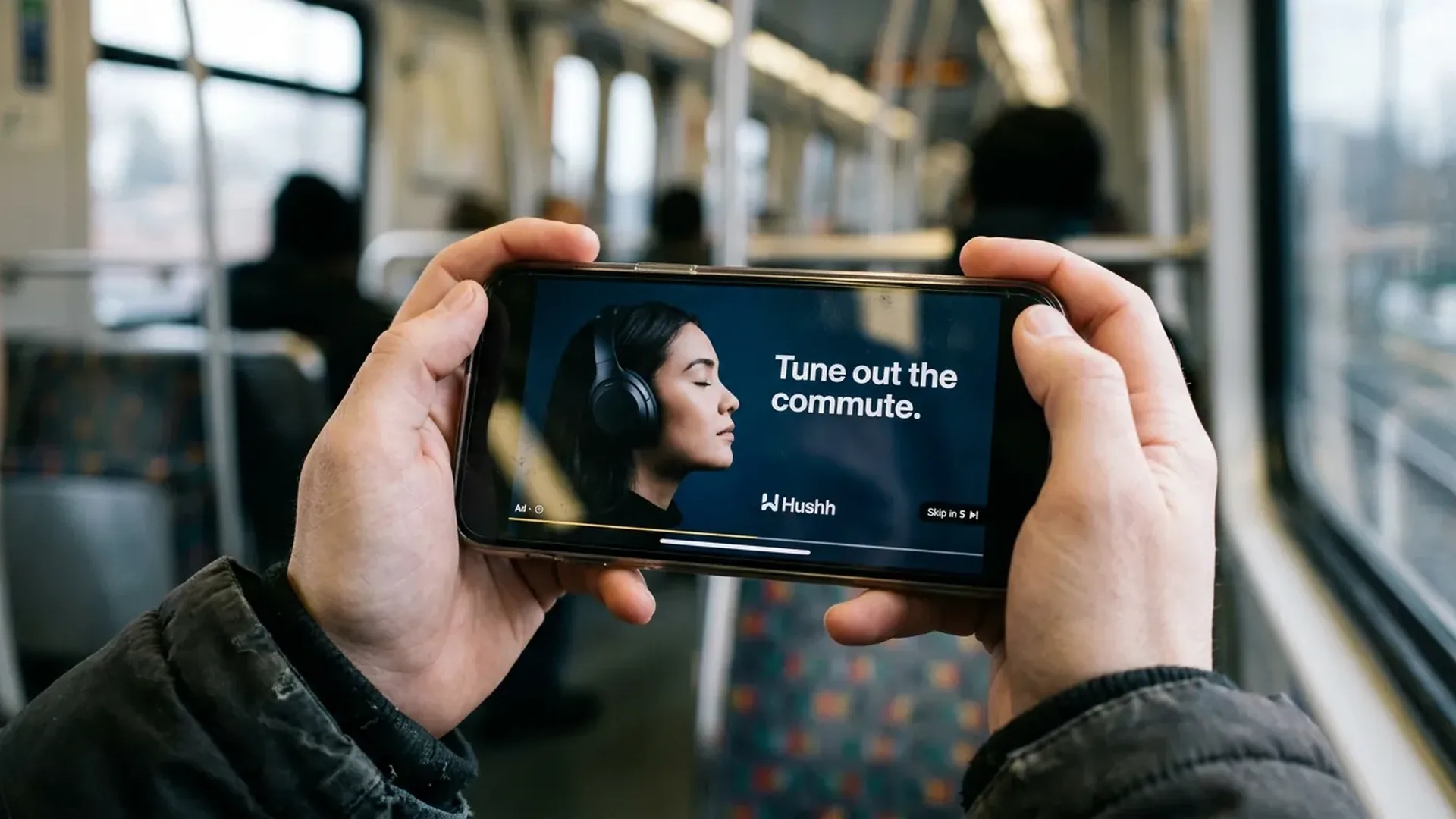
Skippable in-stream ads play before, during or after YouTube videos, and viewers can skip after five seconds. There’s no strict maximum length, but most effective skippable ads run 15 to 30 seconds, with longer edits saved for audiences who are already interested.
The structure matters more than the length. Show the brand early, open with the most interesting moment rather than a slow build, and give people a reason to keep watching before the skip button appears. Advertisers typically pay when someone watches 30 seconds, or the whole ad if it’s shorter, or interacts with it, so a strong opening pays off directly.
Non-Skippable In-Stream Ads: 15 Seconds of Guaranteed Attention
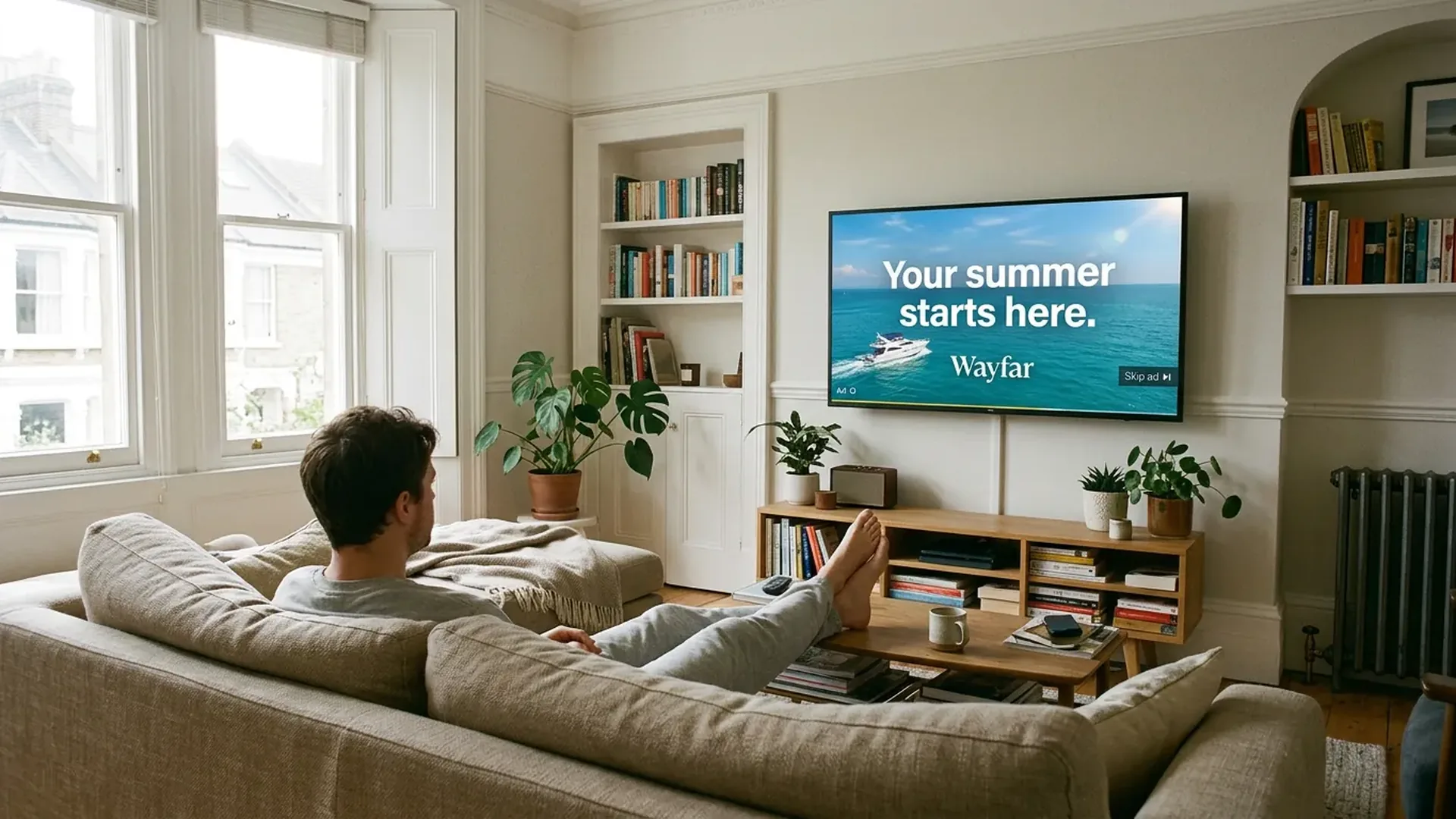
Non-skippable in-stream ads run 7 to 15 seconds and can’t be skipped. On connected TV screens, Google also offers 30-second non-skippable ads (16 to 30 seconds).
Because viewers can’t skip, these ads are good for awareness and for messages that need the full story told. They’re also easy to overdo. A tight 15-second edit with one clear idea usually lands better than a cramped one trying to fit everything in.
Bumper Ads: Six Seconds, One Idea
Bumper ads are non-skippable and 6 seconds or less. Google treats any non-skippable ad of six seconds or under as a bumper. They’re built for reach and frequency, and they work brilliantly as a sequence alongside longer ads, reminding people of a message they’ve already seen.
Six seconds is enough for one idea and one brand moment, not three. We often build bumpers by distilling a longer edit down to its strongest visual and line, which keeps the campaign consistent across formats.
Shorts Ads: Think Vertical First
Shorts ads appear between YouTube Shorts in the vertical feed, and they should be vertical too: 9:16 at 1080×1920. A landscape ad dropped into Shorts looks out of place and wastes most of the screen.
Treat Shorts creative like TikTok or Reels creative. Fast pacing, captions, a hook in the first second and key elements kept clear of the Shorts interface. Google’s vertical template reserves roughly 288 pixels at the top, 672 at the bottom and wider margins on the right, where the like and comment buttons sit.
Check your Shorts edit against that interface with our free safe zone checker, then download the overlay template for your editing software.
In-Feed Video Ads
In-feed video ads appear in YouTube search results, alongside related videos and on the mobile homepage, shown as a thumbnail with text. Viewers choose to click, so the thumbnail and headline do the selling. The video itself can be longer and more detailed, because the audience has opted in.
Design a custom thumbnail rather than relying on an auto-selected frame, and make sure it reads clearly at small sizes.
File Specs for YouTube Ads
YouTube ads are uploaded as normal YouTube videos and linked in Google Ads, so the file specs follow YouTube’s upload guidance. We deliver MP4 files with H.264 video and AAC audio, at 1920×1080 for 16:9 edits and 1080×1920 for vertical Shorts versions, at the same frame rate the footage was shot in.
Upload a high-quality master. YouTube re-encodes everything, so starting with a clean, high-bitrate file gives the best result on large TV screens as well as phones.
Turning One Video into a Full YouTube Campaign
- Start with a master edit, often a 30-second spot.
- Cut a 15-second version for non-skippable and shorter skippable placements.
- Distil a 6-second bumper around one visual and one line.
- Re-frame or re-edit a 9:16 version for Shorts, with captions and safe-zone-friendly graphics.
- Front-load the brand in every version and finish with a clear end frame.
Our YouTube ads production team re-edits TV spots, social video and campaign footage into every YouTube format, ready to upload.
Sources: Google Ads Help: video ad formats, Google Ads Help: YouTube Shorts ads.
FAQ
What are the YouTube ad formats?
The main formats are skippable in-stream, non-skippable in-stream, 6-second bumper ads, in-feed video ads and Shorts ads. Each suits a different objective, from reach to consideration.
How long is a YouTube bumper ad?
A bumper ad is 6 seconds or less and can’t be skipped. Google runs any non-skippable ad of six seconds or under as a bumper.
How long can a non-skippable YouTube ad be?
Standard non-skippable in-stream ads run 7 to 15 seconds. On connected TV, 30-second non-skippable ads (16 to 30 seconds) are also available.
What size should YouTube Shorts ads be?
Shorts ads should be vertical 9:16 at 1080×1920 pixels, with text and logos kept clear of the Shorts interface at the top, bottom and right of the frame.
Can I use my TV ad on YouTube?
Yes, but it usually needs re-editing. Move the brand and hook into the first five seconds, cut shorter versions for non-skippable and bumper placements, and create a vertical cut for Shorts.
Need help with
creative production?
If you’re planning a campaign or need reliable digital creative production at scale, we can help. Send us your requirements and we’ll advise on formats, builds and delivery.
For specs, safe zones and production across every platform, see our social media ads hub.


















