

The best image size for an X (Twitter) post is 1200×675 pixels, a 16:9 ratio. Square 1200×1200 works too. Your profile photo should be 400×400 and your header 1500×500. Ads use 1200×1200 or 1200×628.
Below is every X image size in one place, for organic posts, your profile and paid ads, plus the cropping traps that catch people out. If you need the full paid specs, including video and carousels, see our X ad specs guide.
Key Takeaways
- In-feed images: 1200×675 (16:9) is the safest choice, with a minimum width of 600px.
- Square 1200×1200 (1:1) also shows uncropped in the timeline.
- Profile photo: 400×400, displayed as a circle.
- Header: 1500×500 (3:1), cropped differently on mobile and desktop.
- Ads: 1200×1200 (1:1) or 1200×628 (1.91:1). Carousels hold 2 to 6 cards.
- Up to 4 images per post; JPG, PNG, GIF and WebP are supported.
X Post Image Sizes
X shows one image at full width in the timeline, so the shape you upload is close to the shape people see. Landscape and square images display without cropping on most devices; very tall images get trimmed in the preview and only show in full when tapped.
- Landscape: 1200×675 pixels, 16:9. Best for screenshots, product shots and anything with text.
- Square: 1200×1200 pixels, 1:1. Takes up more of the mobile feed.
- Minimum width: 600px. Smaller images look soft.
- Multiple images: up to 4 per post. With 2 to 4 images, X crops each one into a grid, so keep key details centred.
- File types: JPG, PNG, GIF and WebP.
- File size: up to 5MB for photos; animated GIFs can be larger on desktop than on mobile.
X Profile and Header Image Sizes
- Profile photo: 400×400 pixels. It shows as a circle, so keep logos away from the corners.
- Header: 1500×500 pixels, 3:1. On desktop the profile photo overlaps the bottom left, and on mobile the top and bottom are trimmed, so keep text in the middle band.
- Format: JPG or PNG. Use PNG for logos and flat brand graphics.
Link Preview (Card) Image Sizes
When you post a link, X pulls the image from the page’s Open Graph tags. The large preview uses a 1.91:1 ratio, so 1200×628 is the safe size. If your page doesn’t set a card image, X shows a small square thumbnail or nothing at all.
| Placement | Size (pixels) | Ratio |
|---|---|---|
| Post image (landscape) | 1200x675 | 16:9 |
| Post image (square) | 1200x1200 | 1:1 |
| Profile photo | 400x400 | 1:1 |
| Header | 1500x500 | 3:1 |
| Link preview card | 1200x628 | 1.91:1 |
| Image ad | 1200x1200 or 1200x628 | 1:1 or 1.91:1 |
| Carousel ad card | 800x800 or 800x418 | 1:1 or 1.91:1 |
X Ad Image Sizes
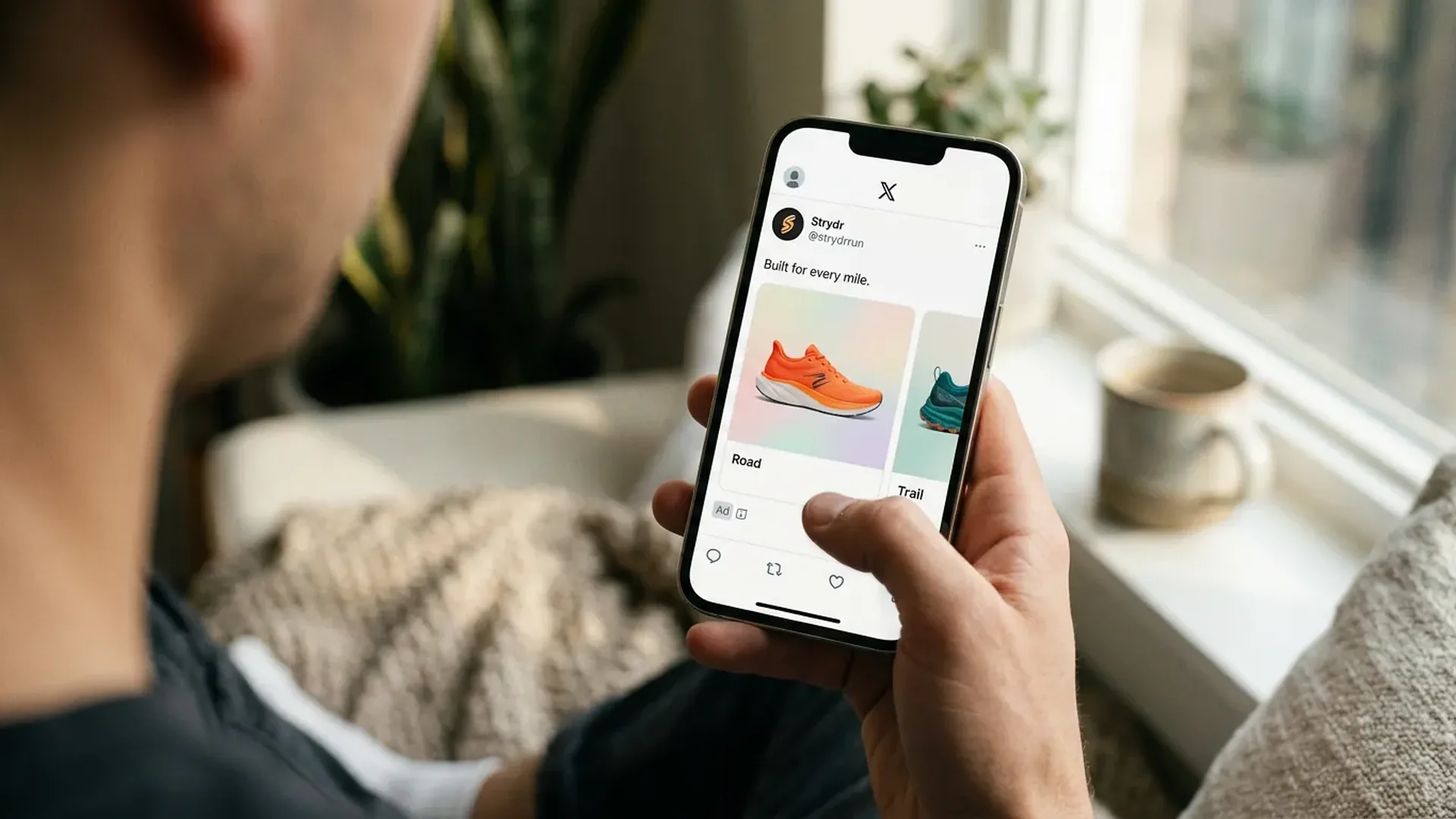
Paid posts follow the same rules as organic ones, with a few extra formats. We build X ads at the sizes below as part of wider social and display sets.
- Image ads: 1200×1200 (1:1) or 1200×628 (1.91:1).
- Carousel ads: 2 to 6 cards, all at the same ratio, either 1:1 (800×800 minimum) or 1.91:1 (800×418 minimum).
- Video ads: 1:1 or 16:9 recommended; 9:16 vertical is supported on mobile.
The Aspect Ratio Rule, Not One Pixel Size
X doesn’t publish one fixed size for single images in posts. It sets a ratio range: a single image between about 2:1 (wide) and 3:4 (tall) shows in full in the timeline, while anything outside that range is cropped in the preview. That’s why size guides disagree: 1200 x 675, 1600 x 900, 1080 x 1080 and 1080 x 1350 all display uncropped.
- For screenshots and anything with text: 16:9 (1600 x 900) keeps everything readable.
- For maximum space on mobile: 3:4 or 4:5 portrait (1080 x 1440 or 1080 x 1350) takes more of the screen.
- Avoid very tall images such as 9:16 stills; they get trimmed in the preview.
Multi-Image Posts
With two, three or four images in one post, X arranges them in a grid and crops each one to fit. The crop changes with the number of images, so:
- Keep faces, products and text in the centre of every image.
- Use images of the same shape so the grid looks deliberate.
- Preview the post before publishing; what looks fine alone can lose a logo in the grid.
X Article Cover Images
Long-form X Articles use a 16:9 cover image (1600 x 900 is a good size). Treat it like a blog header: a strong image and a short title, with nothing important near the edges.
Export Settings for Sharp Images
- Export at the size you’ll display, or 2x for small graphics, rather than uploading huge originals.
- Use PNG for logos, text and flat graphics; JPG at high quality for photos.
- Keep photos under 5 MB.
- Check colour in sRGB; other colour profiles can look dull once uploaded.
How to Stop X Cropping Your Images
- Design to 16:9 or 1:1 and don’t upload anything taller than 4:5.
- Keep logos, faces and text inside the centre 80% of the frame.
- For multi-image posts, check the grid preview on mobile before publishing.
- Export at 2x your display size and keep files under 5MB so X doesn’t recompress them heavily.
- Check the header on both a phone and a desktop; they crop different areas.
Specs change. Check X’s help centre before launch, or send us your brief and we’ll build every size for you.
Last updated 18 November 2026.
FAQ
What is the best image size for X (Twitter)?
1200×675 pixels (16:9) for in-feed images. Square 1200×1200 also works and takes up more of the mobile feed.
What size is an X header image?
1500×500 pixels, a 3:1 ratio. Keep text in the middle band, as mobile crops the top and bottom.
What size is an X profile picture?
400×400 pixels. It displays as a circle.
What size are X ad images?
1200×1200 (1:1) or 1200×628 (1.91:1). Carousel cards must all use the same ratio.
Why does X crop my images?
Very tall images and multi-image posts are cropped in the timeline preview. Stick to 16:9 or 1:1 and keep key details centred.
Need help with
creative production?
If you’re planning a campaign or need reliable digital creative production at scale, we can help. Send us your requirements and we’ll advise on formats, builds and delivery.
Need X images and ads built to spec? We produce the full set, scoped and priced upfront.


















