
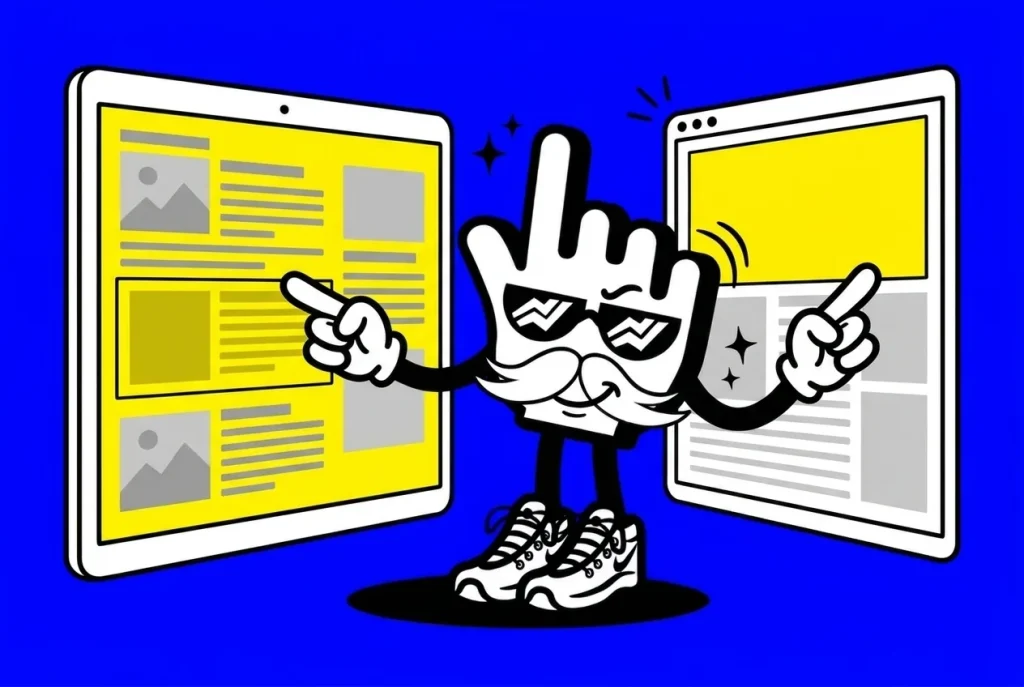
Display ads are designed to stand out: a banner in a fixed slot with your own layout, colours and animation. Native ads are designed to fit in: the publisher builds the ad from your headline, image and logo so it matches the page around it. Display suits reach and brand impact; native suits clicks, reading and consideration. Most campaigns that run both make them from the same shoot.
Plenty of guides compare the two on strategy. This one also covers what each format needs from the creative team, so you can brief both at once. We produce both as part of our display advertising work.
Key Takeaways
- Display: you control the whole ad. Native: you supply parts and the publisher controls the layout.
- Display needs finished artwork in every size; native needs a headline set, a 1200 x 627 image, a square logo and a description.
- StackAdapt, a native and programmatic platform, frames it by goal: display for impressions, reach and awareness; native for clicks, site visits and conversions.
- Native images should carry little or no text. Display banners carry the whole message.
- Plan both from one shoot: the photography that makes a good native image also makes a strong banner.
| Display ads | Native ads | |
|---|---|---|
| Who controls the look | You: full layout, fonts, animation | The publisher: matches its own page |
| What you supply | Finished banners (static, HTML5 or video) in each size | Headline (short and long), description, 1200 x 627 image, square logo, CTA |
| Text in the image | Yes, the banner carries the message | Minimal or none; the headline sits beside it |
| Motion | Animation, video, interactivity | Mostly static image, sometimes native video |
| Typical goal | Reach, impact, brand awareness, retargeting | Clicks, reading, consideration, sign-ups |
| Where it runs | Fixed IAB slots across sites and apps | In-feed, in-article and recommendation widgets |
What Is the Real Difference?
The difference is control. A display banner is a finished piece of artwork: you choose every pixel, and it looks the same on every site. A native ad is a set of ingredients. The publisher takes your headline, image and logo and lays them out in its own style, so the ad looks like a story or a recommendation on that site.

Which Should You Use?
- Use display when the visual does the selling: a launch, a bold offer, a brand moment, retargeting people who already know you, or anything that needs motion or interaction.
- Use native when the message needs a little reading: a guide, a comparison, a case study, an article or a considered purchase where curiosity earns the click.
- Use both across the funnel: display for reach and recall, native to drive people to content and sign-ups, display again to retarget.
What Each Format Needs From the Creative Team
For display
- Finished artwork in every size on the plan, from 300 x 250 to 970 x 250 and 320 x 50.
- HTML5 builds with clickTags, backups and weight checks for each platform. See HTML5 banner specs by platform.
- A clear message readable in a few seconds, brand visible throughout.
For native
- A short headline (about 25 characters) and a long one (up to about 90).
- A description under 90 characters.
- A 1200 x 627 image with no or little text, plus a square version, and a square logo. See native ad specs by platform.
- An editorial tone: curiosity or usefulness, not a shouted offer.

Making Both From One Shoot
- Shoot or source clean imagery: product and people with space around them. It crops well for native and leaves room for copy in banners.
- Write the message once, then adapt it: a punchy line for banners, a curious headline and description for native.
- Design banners from the same image set, so the campaign hangs together wherever it appears.
- Export native images text-free, and banner artwork with text, from the same master files.
- Measure them differently: display on reach, viewability and recall; native on clicks, time on site and conversions.
For more on native, see what native ads are, and for display formats, types of banner ads.
Get Native and Display Made Together
We produce display banner sets and native asset sets from the same idea and imagery, built to every platform’s spec. See our display advertising production service or send us your brief.
From Our Studio
Real campaigns we’ve built, with the full story in each case study.

Kärcher
A modular HTML5 and DOOH system, localised across languages and markets and delivered to every media owner’s spec.
Read the case study
Cedral
A multilingual HTML5 campaign across 7 countries, built as one flexible system for different personas and markets.
Read the case study
Spa
A flavour launch for Spa Duo Apricot & Mango, built as HTML5 display and DOOH across premium publishers and transport screens.
Read the case studyFAQ
What is the difference between native ads and display ads?
Display ads are finished banners that look the same on every site and are designed to stand out. Native ads are assembled by the publisher from your headline, image and logo so they match the look of the page.
Are native ads better than display ads?
Neither is better overall. Display suits reach, impact and brand awareness, while native suits clicks, reading and consideration. Many campaigns use both at different stages.
What do I need to supply for native ads?
A short and long headline, a description, a 1200 x 627 image with little or no text, a square image and logo, an advertiser name, a call to action and a landing page.
Can I use the same creative for native and display?
You can use the same imagery and message, but not the same files. Banners carry text in the artwork, while native images should be mostly text-free with the headline supplied separately.
Do native ads have animation?
Native ads are mostly static images, although many platforms also accept native video. Animation and interactivity are usually done with display ads.
Need help with
creative production?
If you’re planning a campaign or need reliable digital creative production at scale, we can help. Send us your requirements and we’ll advise on formats, builds and delivery.
Need native and display sets from one shoot? We’ll scope and price it upfront.


















